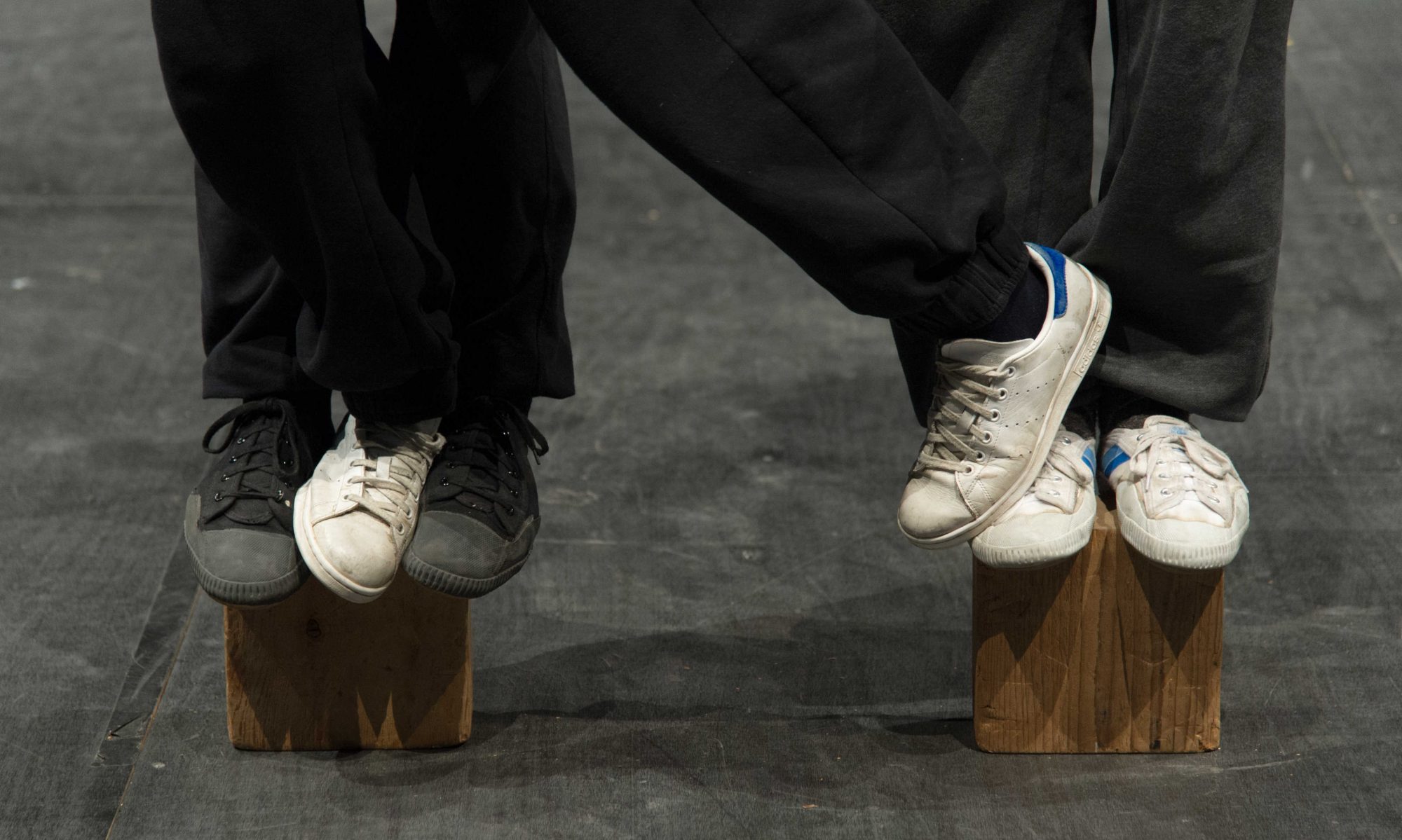
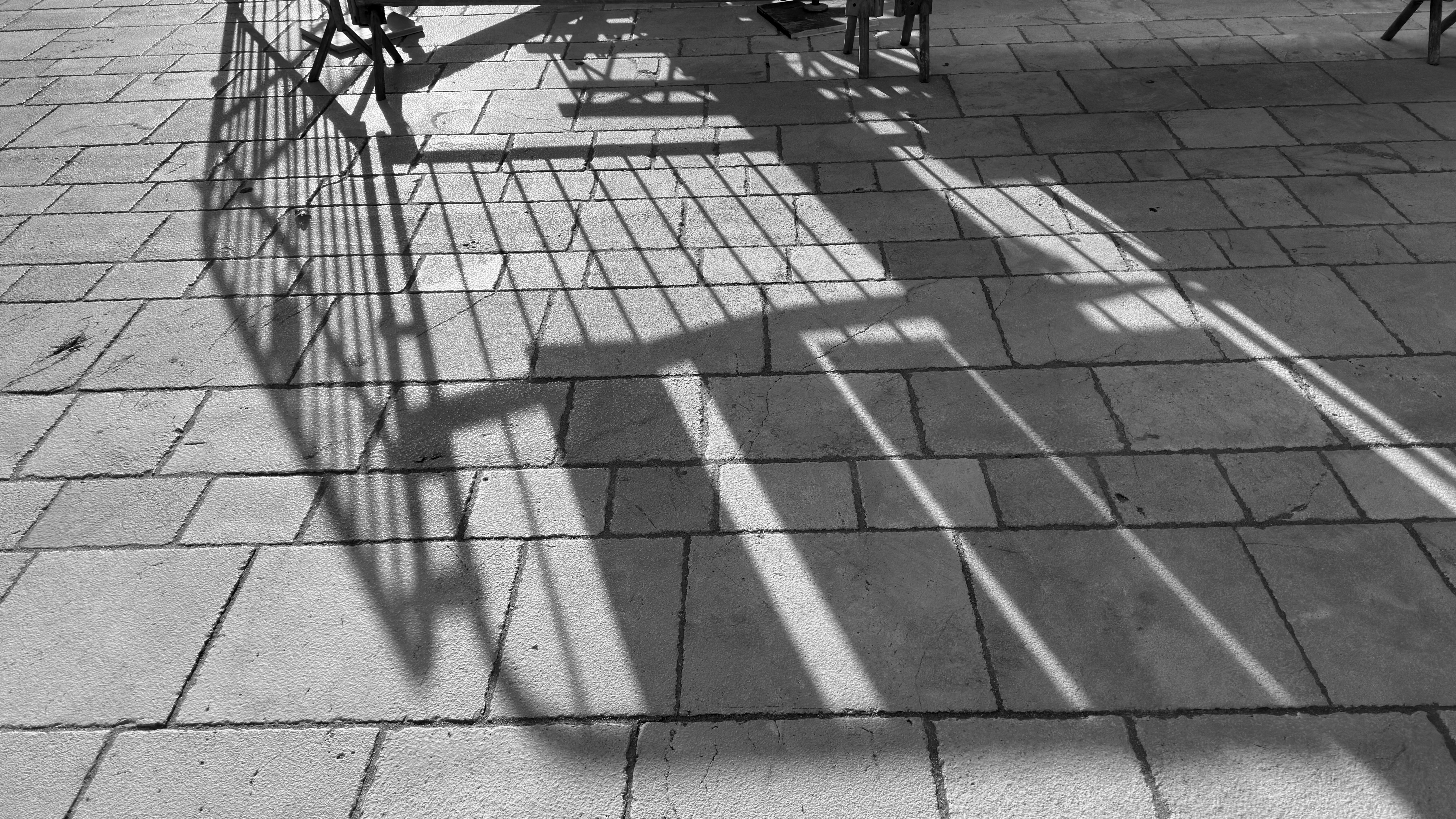
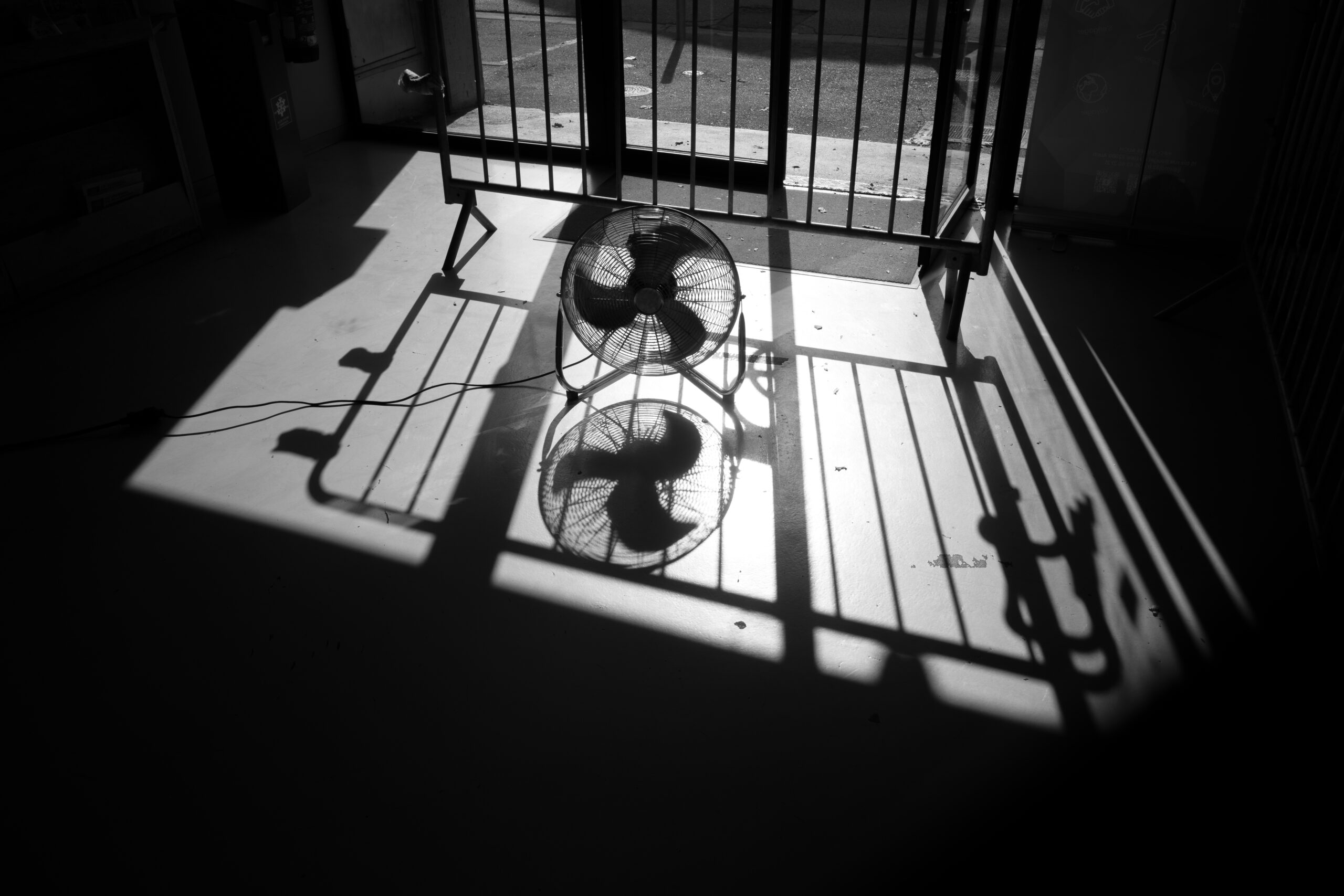
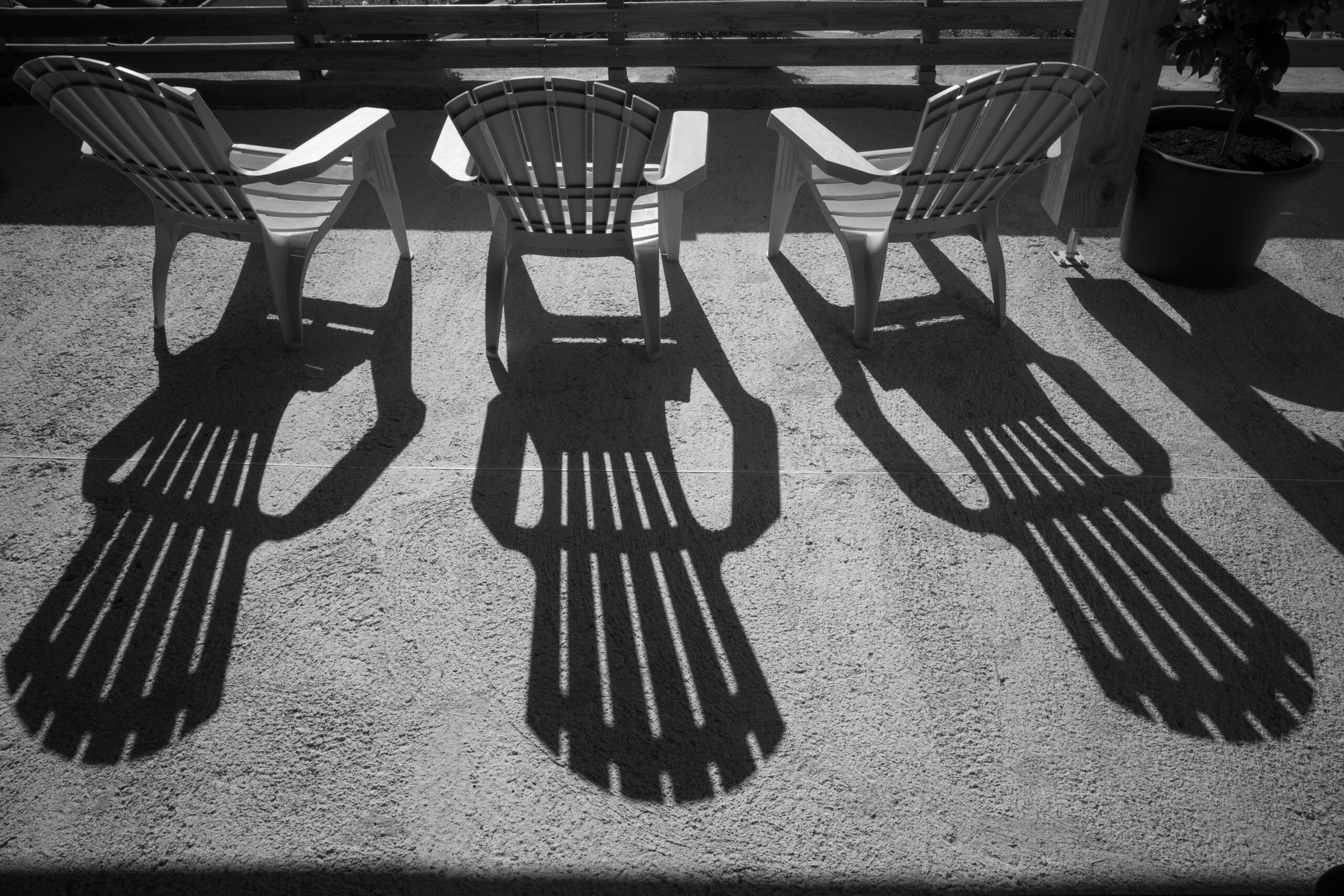
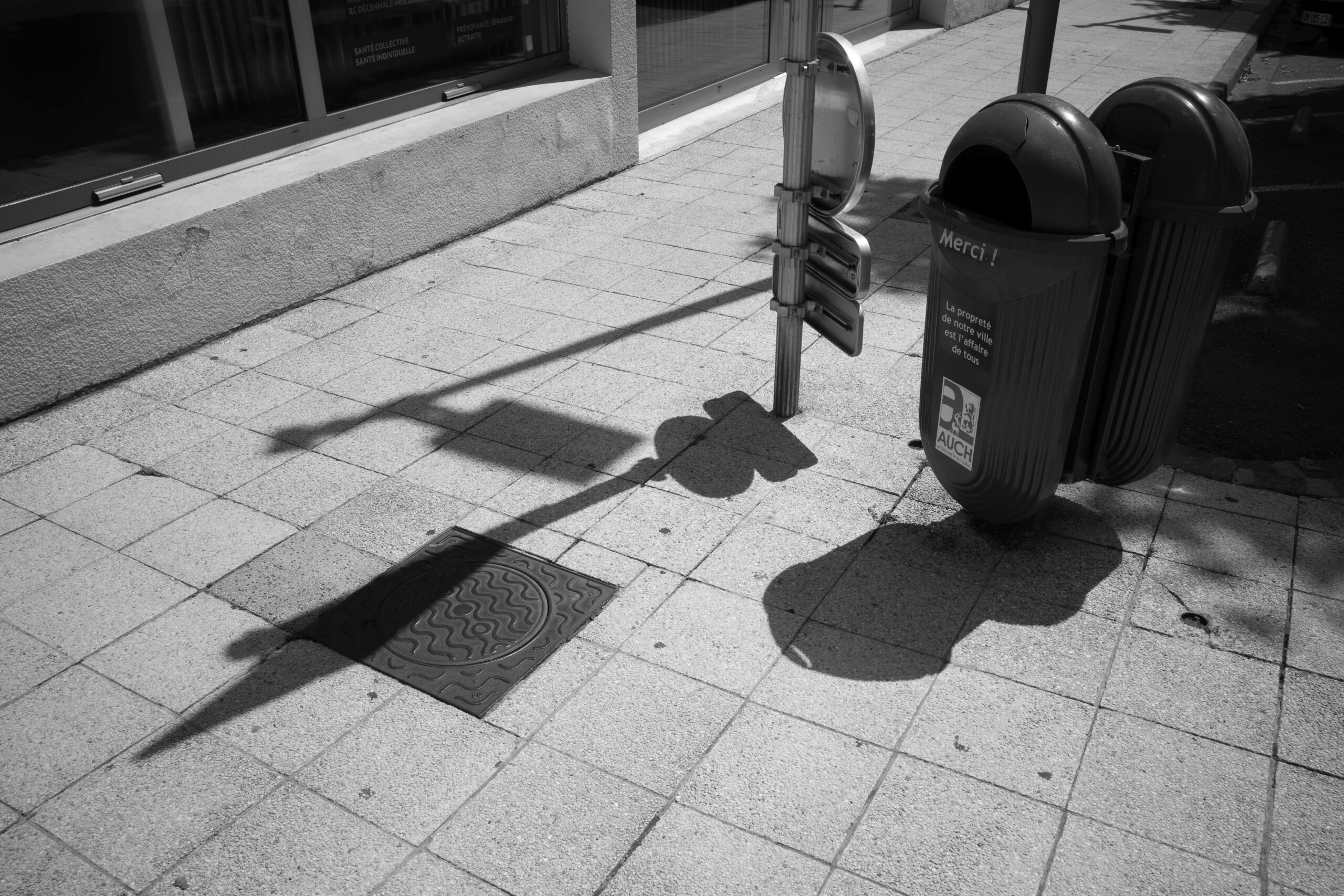
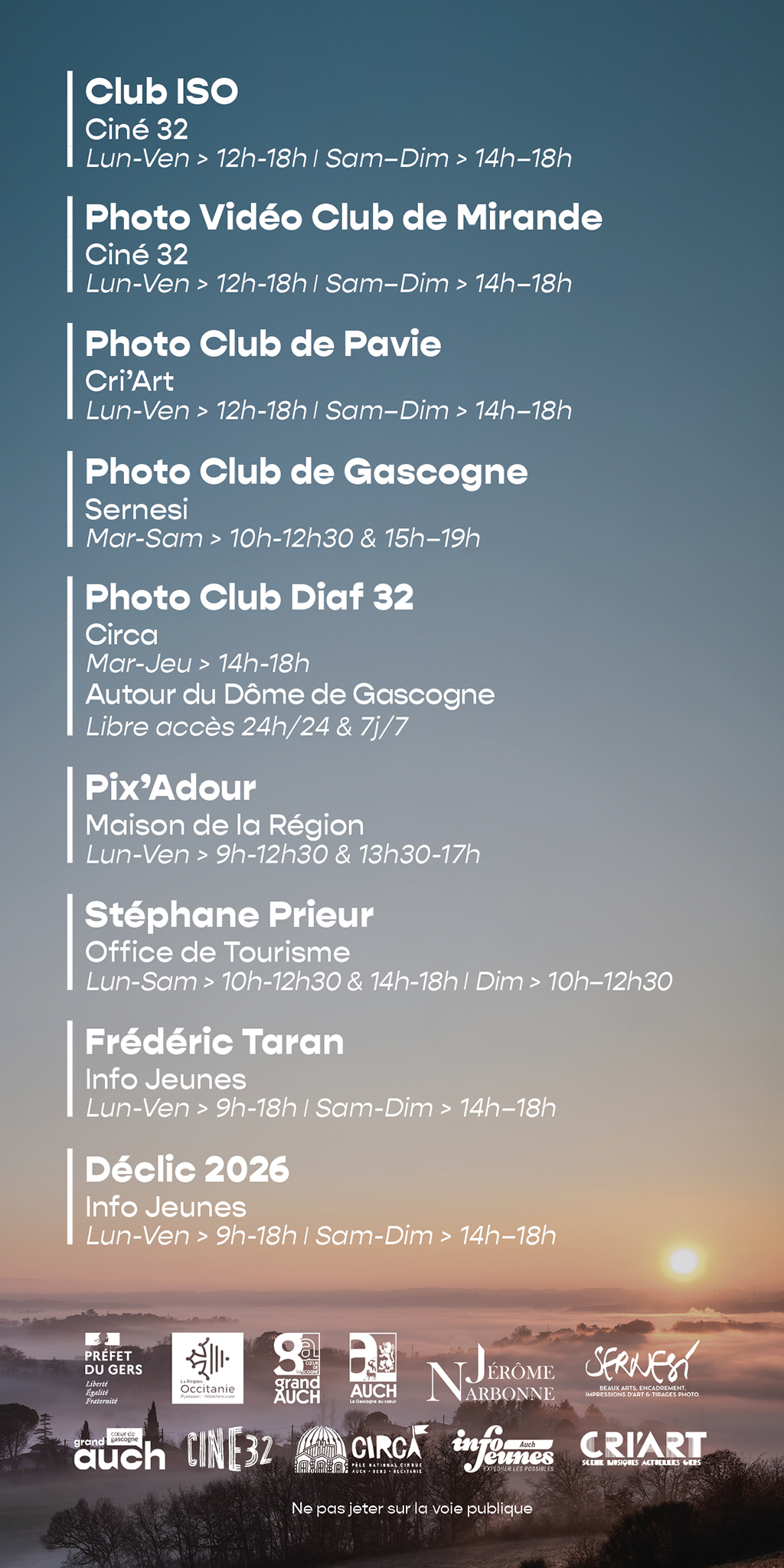
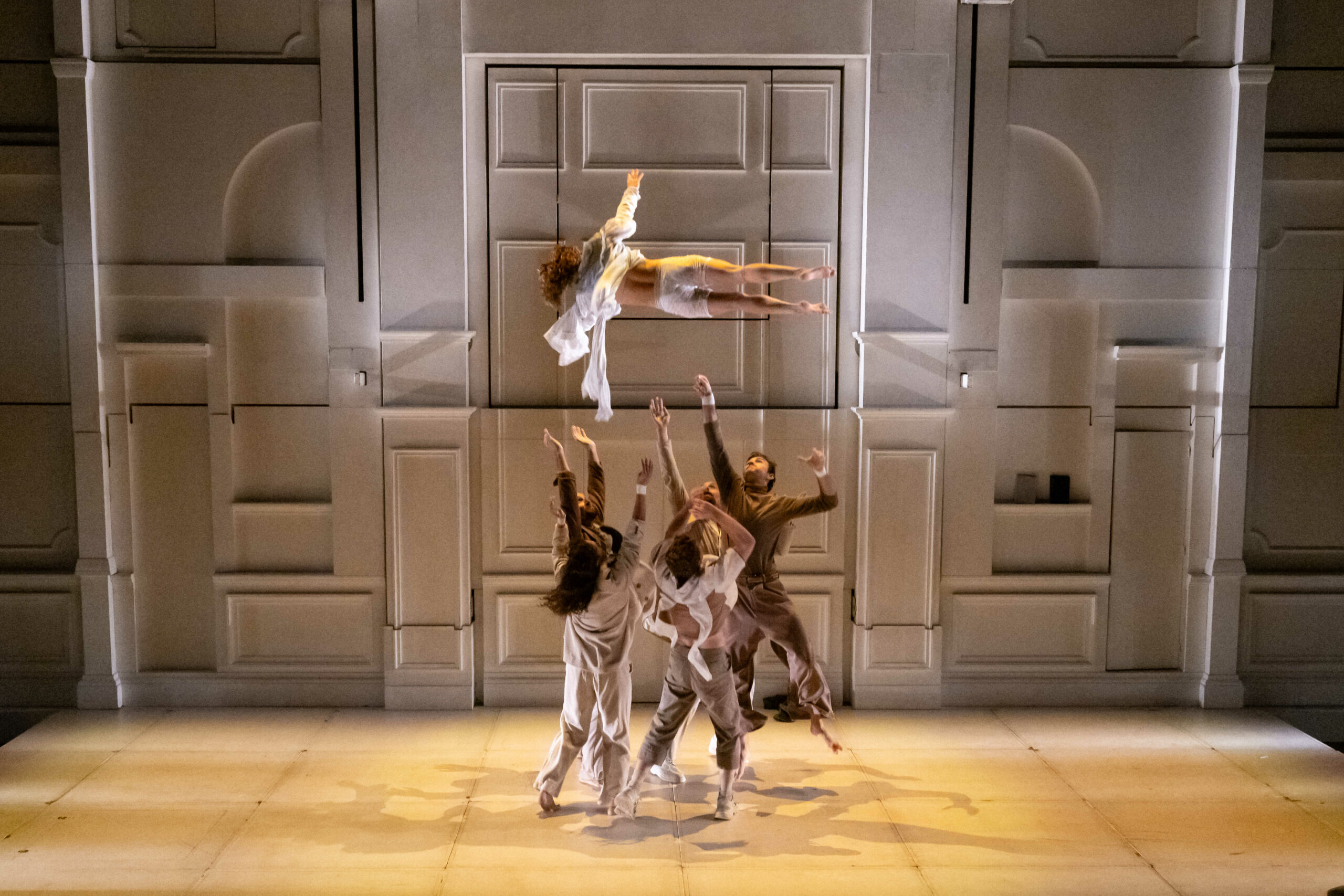
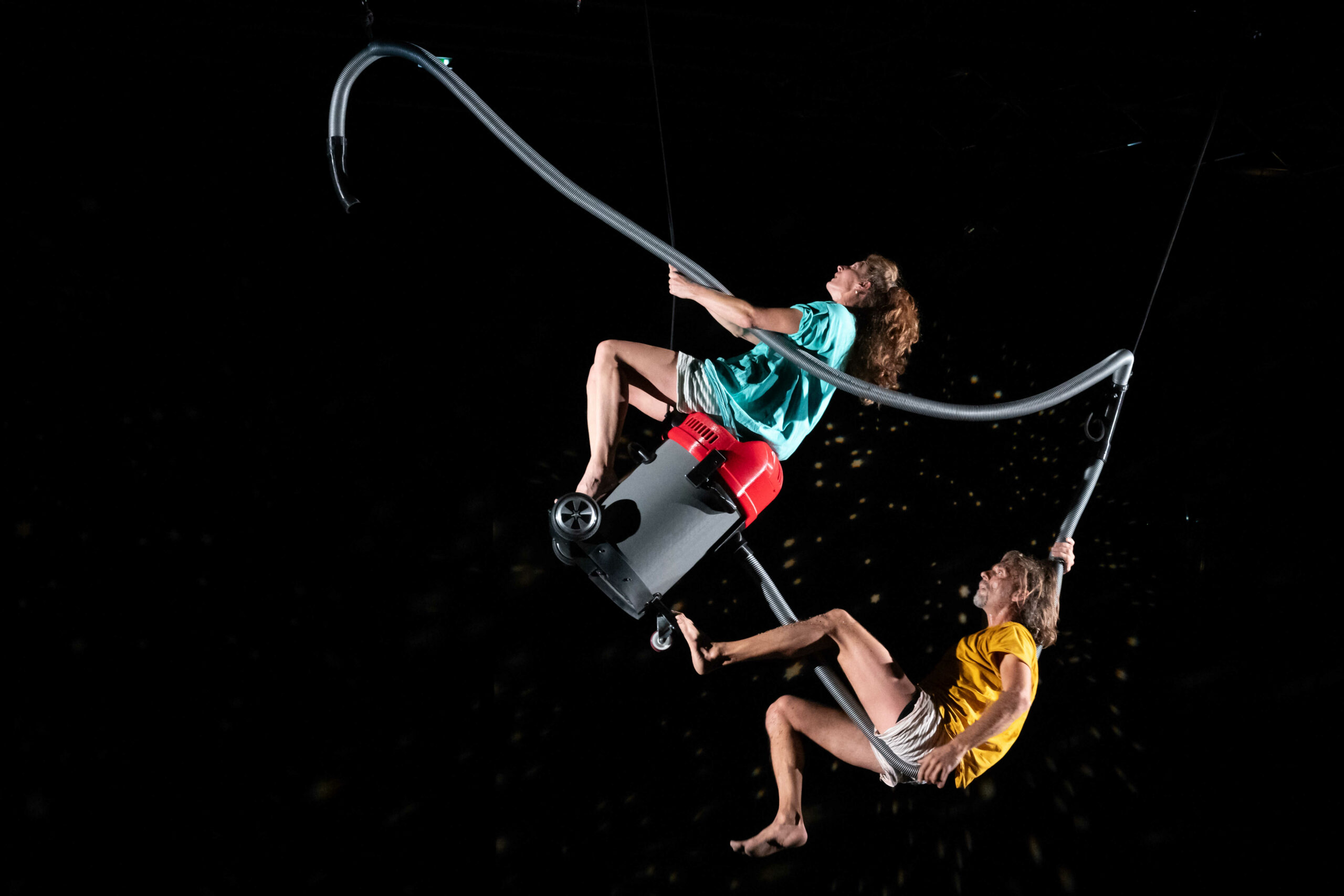
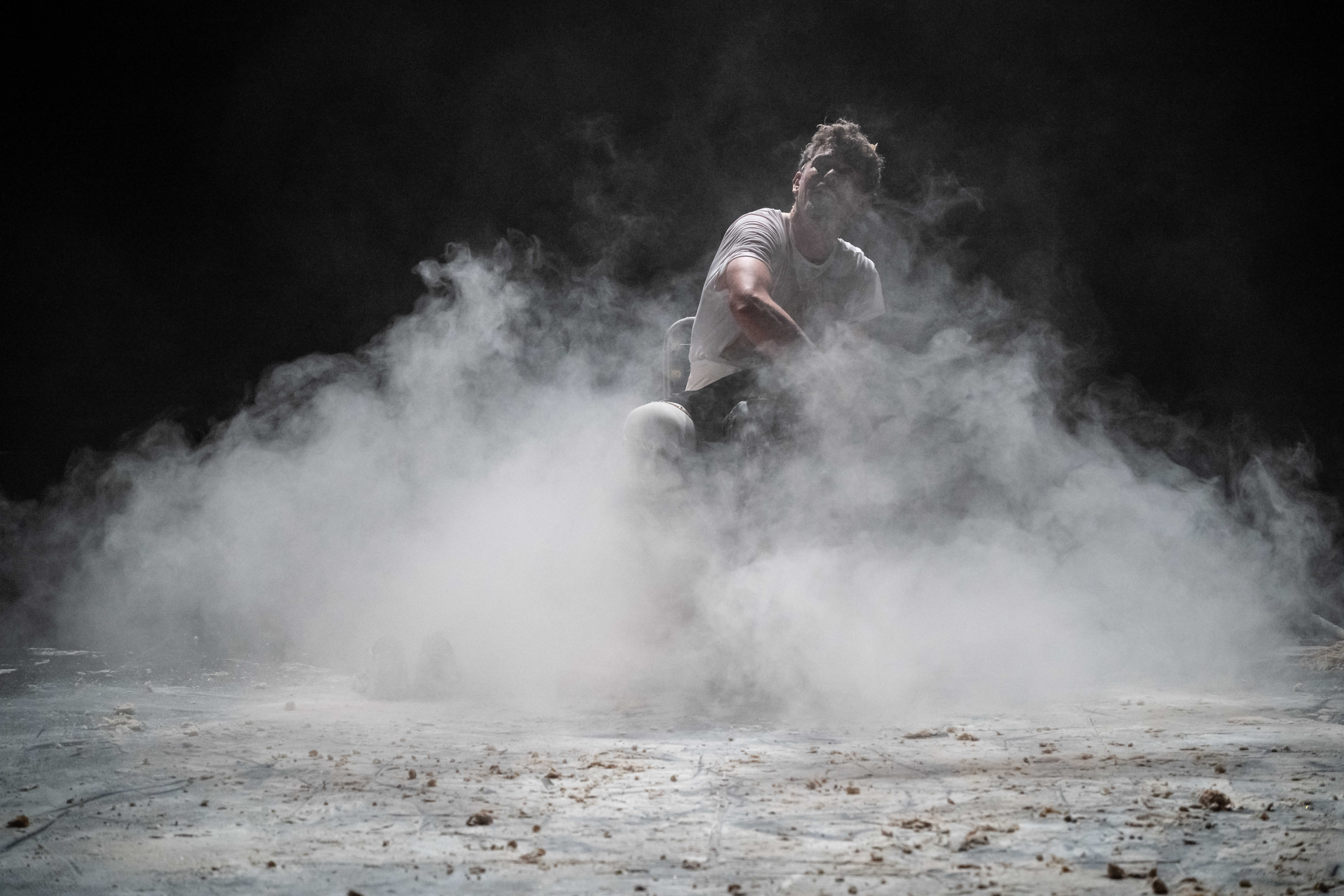
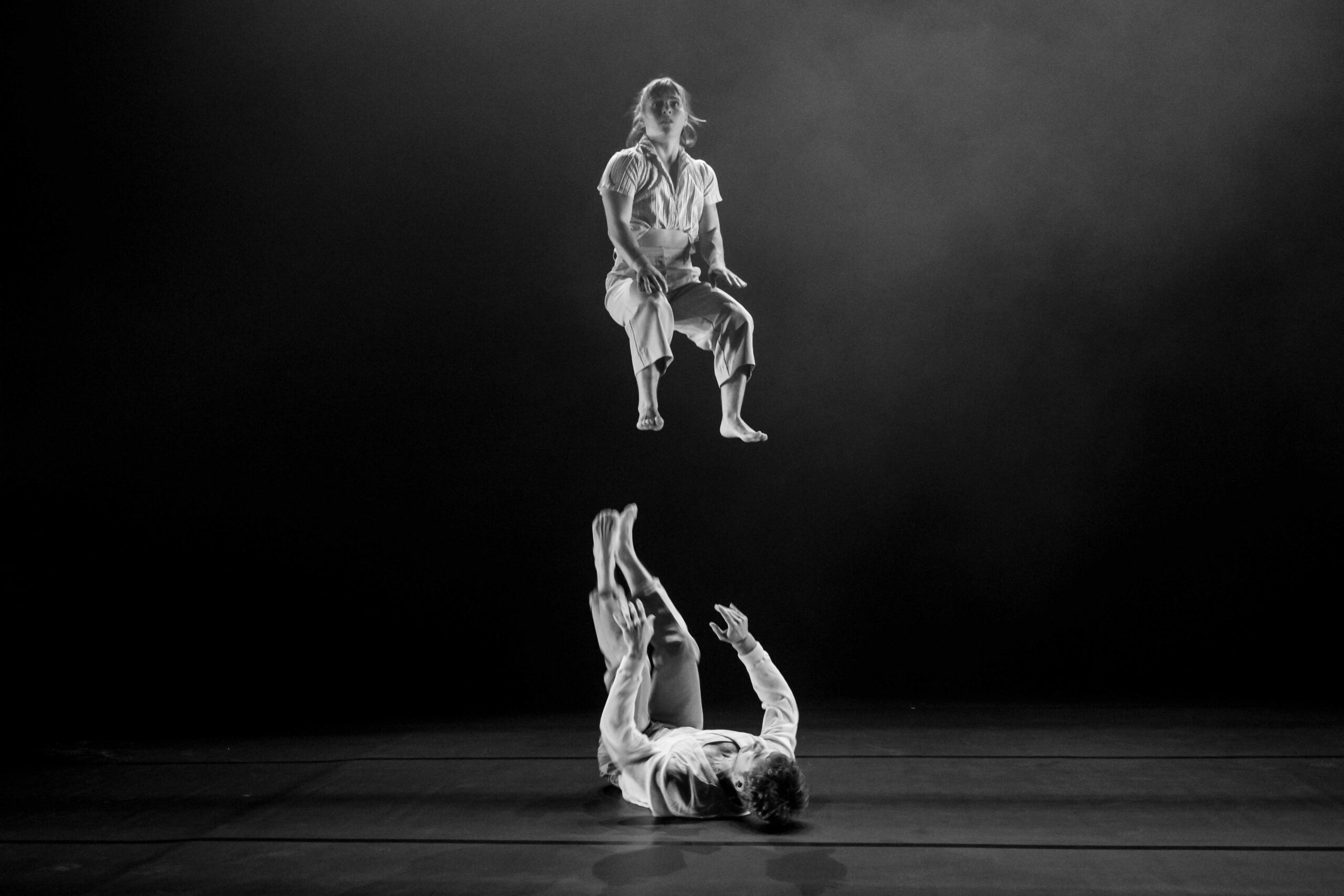
As usual, at this time of year, I have an exhibition planed which coincides with the annual circus festival. This year, it will be shown in the Office de Tourisme here in Auch. I am exhibiting 30 images as a « retrospective » of my work since 2013.
Had this beauty a few weeks now, and while I’m generally very pleased with the quality of the images, and I’m getting used to the size of the body (minute!) I’m generally NOT impressed with the battery life.
This was until yesterday when I decided to investigate on Internet – and it turns out I’m not the only person who has noticed this.
The results of my search show that this model (all the GR lV variants in fact) leave the WiFi and Bluetooth radios active even when the machine is turned off – it seems that this is done to allow a faster startup when the ‘on’ button is pressed, and also allows a more rapid synchronisation with a smart device.
The answer provided by Internet was simply to turn on ‘Airplane’ mode in the menu which effectively turns off all radio communications. I effected this change 24 hours ago, and so far the battery indicator has not moved.
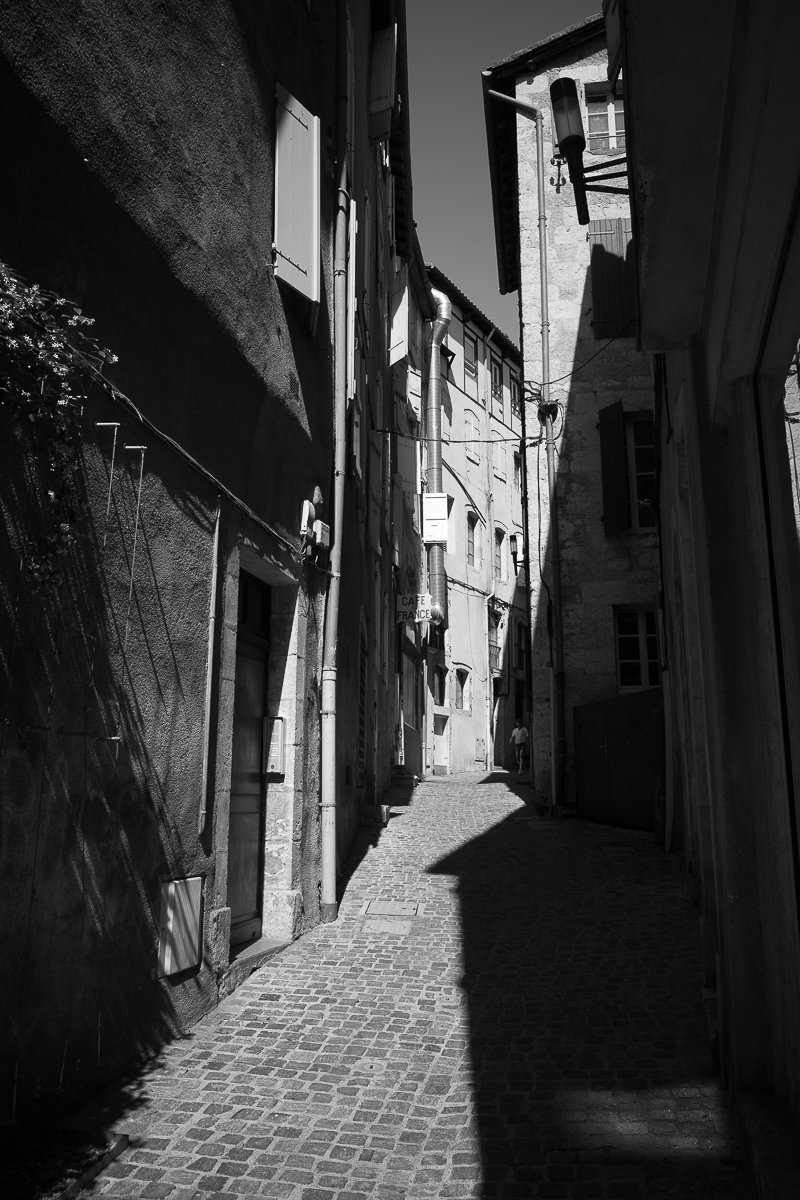
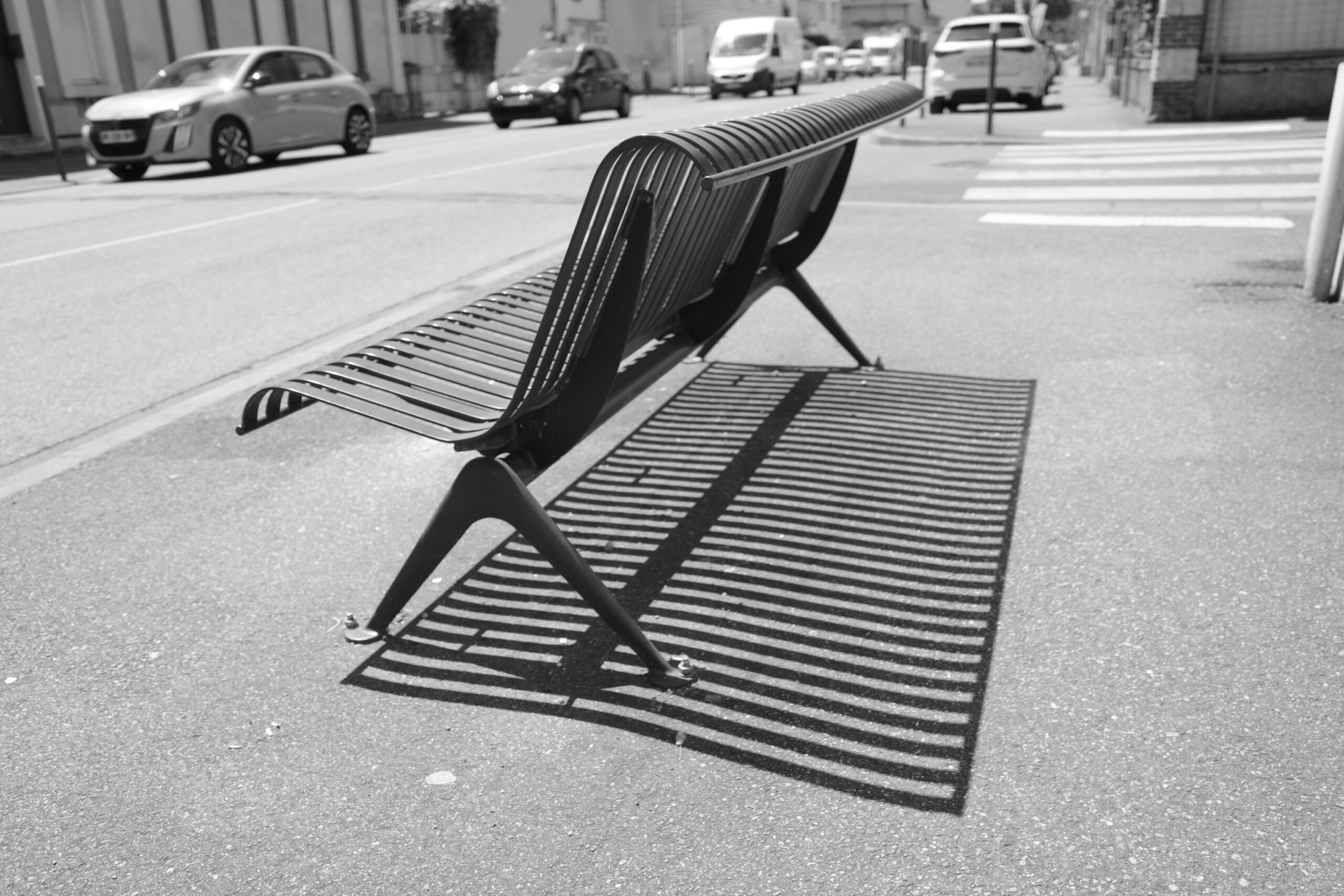
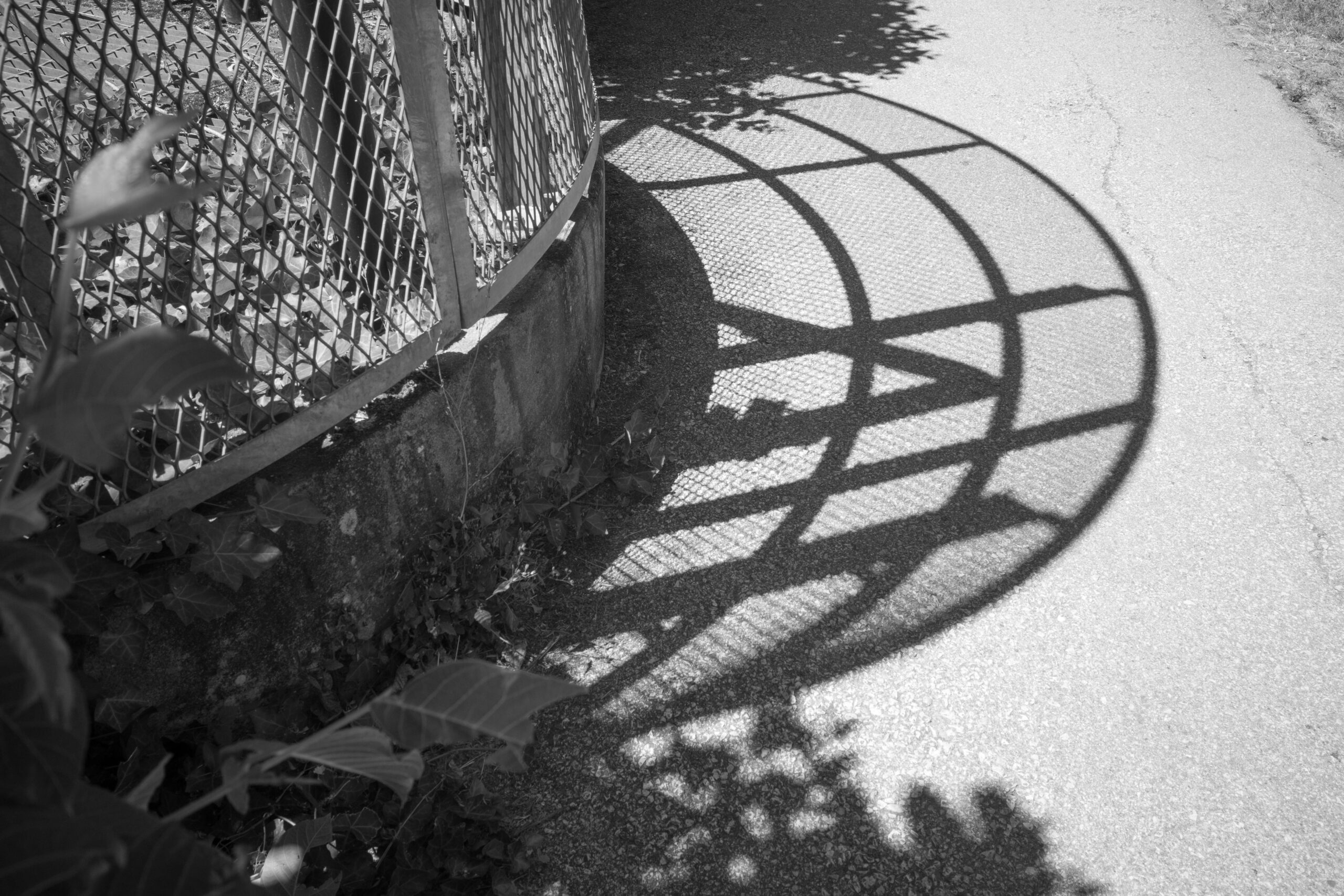
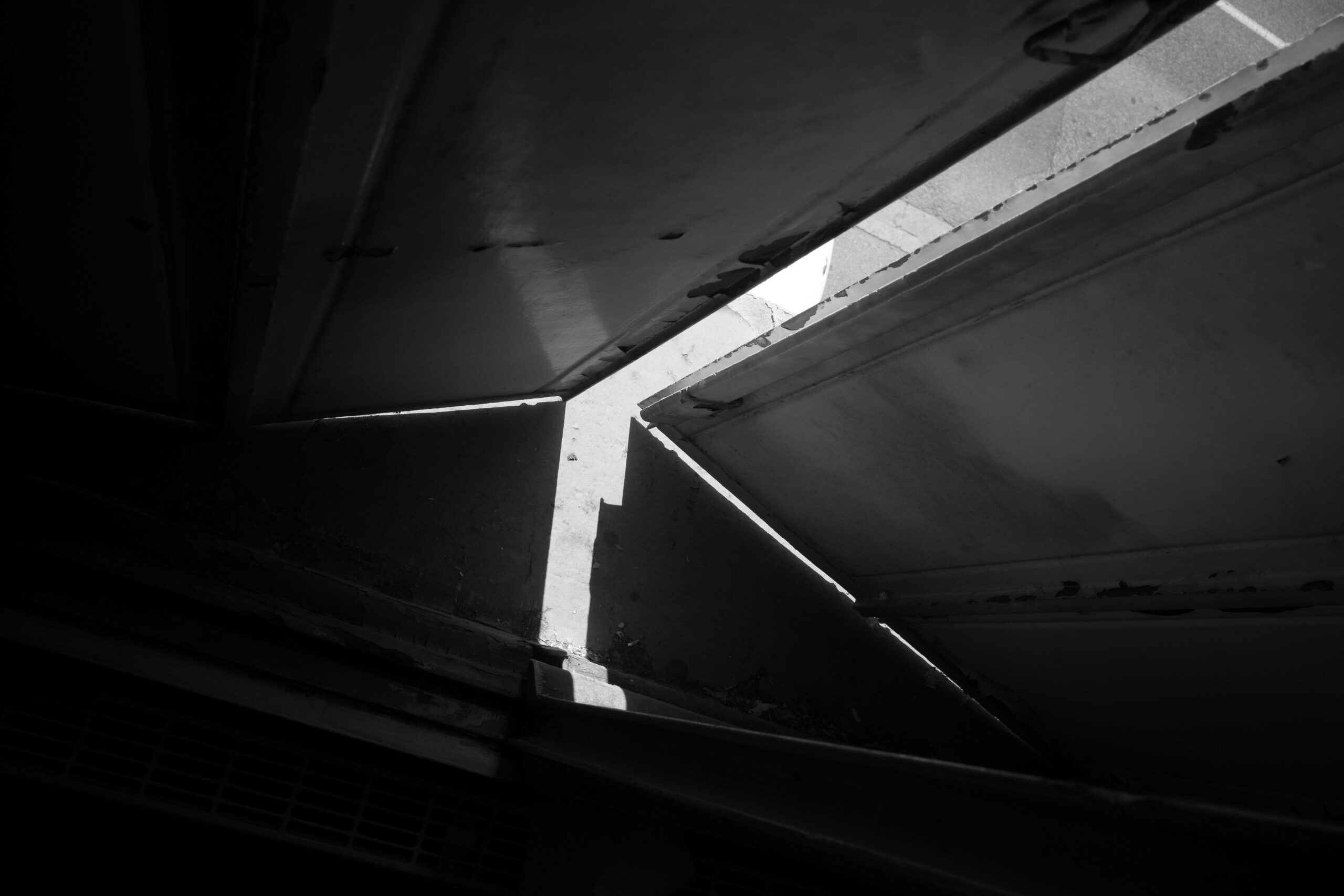
And now for some recent images
I have in fact organized an exhibition of 22 of my latest B&W images which will be available, on a wall somewhere, for the month of October.
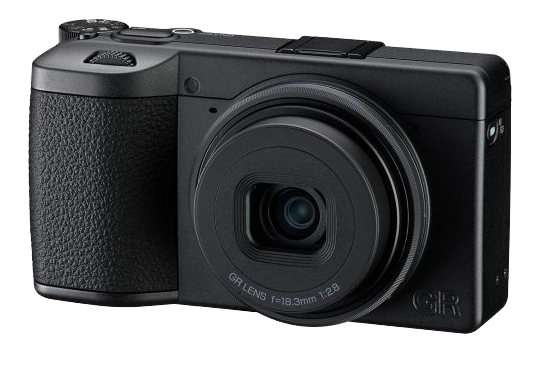
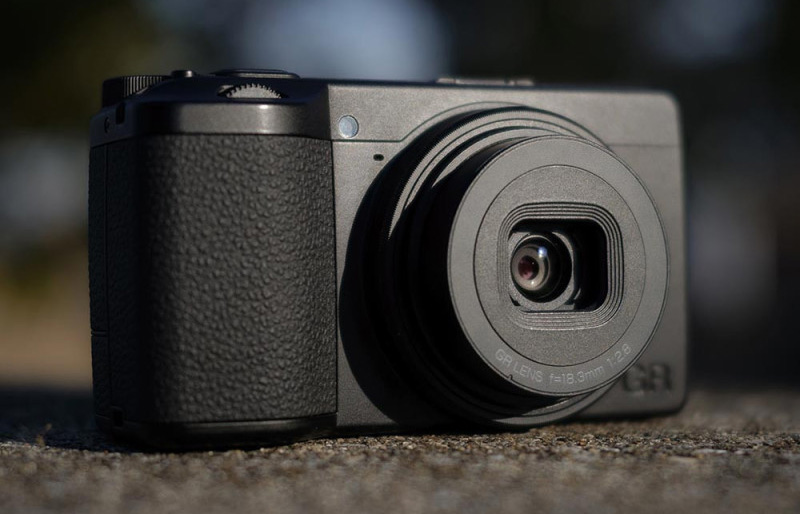
The Ricoh GR-IV has finally arrived in my hot sweaty hands!
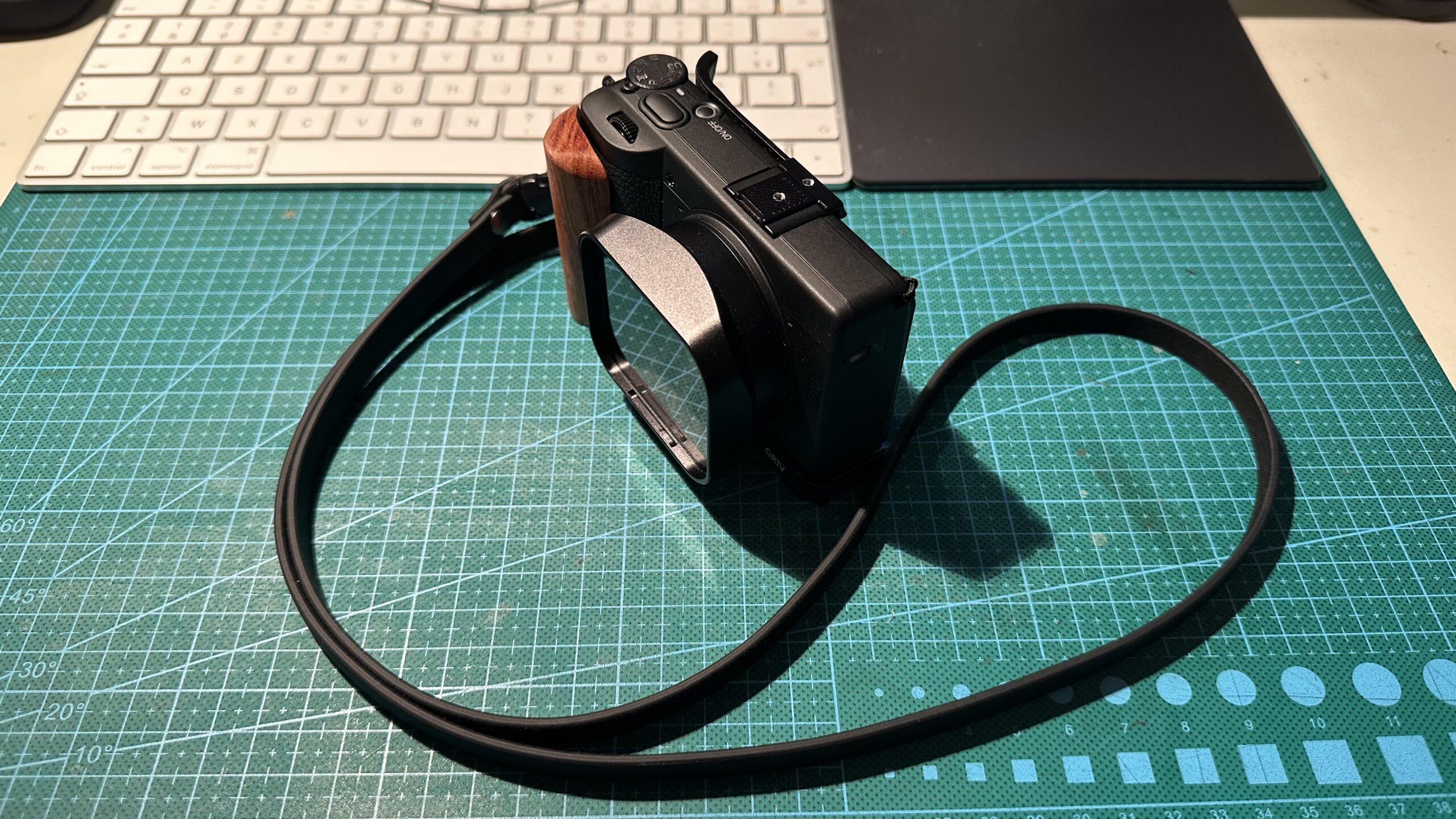
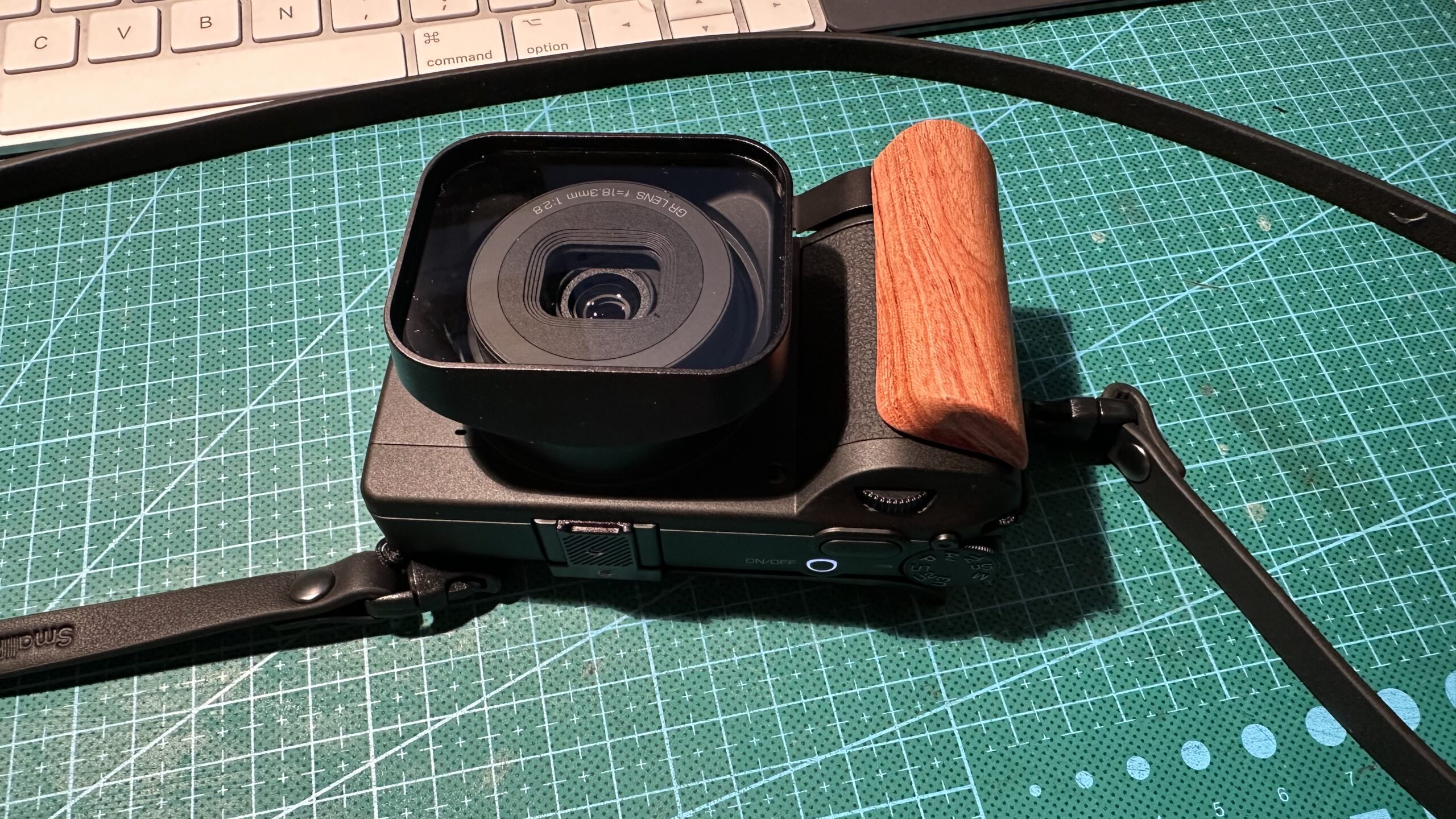
It’s actually extremely small – my ‘bear’ hands envelope it, and it’s almost pocketable – I’ve added a ‘Squarehood‘ lens hood (and filter) which protects the lens but makes it much deeper (so you’ll need huge pockets!)
In terms of controls and functions, there’s everything I need (and more) – quite franly I doubt I’ll ever make a B&W movie, but it IS possible with this beasty. Aside from that, there’s auto ISO, recording in both RAW (DNG) and .jpg, anti vibration, etc.etc.
The files are stored on a microSD card which is fine in terms of capacity, but a fiddle to remove from the camera – it’s under the same cover as the battery – best to remove that first otherwise it’s a bit of a pain to get the card out.
The lens ‘pops out’ when the camera is turned on, and the experts (GR-IV, and GR-III users) suggest using a Swedish made ‘Squarehood‘ which has a built in glass filter – this prevents dust getting into the mechanism (and obviously acts as a lens hood too) so I ‘invested’ in one. The only downside to this is the fact that it makes the camera a little more bulky as it sticks out quite a bit. Small price to pay for the protection, in my view. This hood is an excellent design, with a clear glass to protect the lens (also available as a UV/haze filter which I din’t choose) – there’s a lens cap too, which clips into recesses in the inside top and bottom edges – very neat.
I’ve chosen to add a small grip which really does help my fingers hold this minute body! The grip has an ARCA plate on the bottom if ever I felt the need to mount this on a tripod. I also added a slip-in thumb rest which in conjunction with the grip, really does enhance the grip. This slips into the flash shoe on the camera top plate.
The controls and functions are pretty much what we find on all modern digital cameras – condensed into a microscopic body! RAW data is output as DNG files, which most post processing software handles perfectly easily.
The ‘monochrom‘ aspect of this camera creates an interesting problem in terms of exposure latitude – there isn’t very much at all. The ‘smoothing’ effect of multiple pixels being summed together (and then treated seperateley in post) simply doesn’t exist, and as such, getting a ‘correct’ exposure is much more important as there is less chance of correcting it in later.
As there is no Bayer or anti aliasing filter – the 25.7 megapixel sensor outputs everything ‘undiluted’ or summed – the APS-C sensor measures 23,3 x 15,5 mm – and the results are very sharp – the 18mm f/2.8 lens (28mm equivalent in full frame) obviously helps here too. The dynamic range is very broad and the initial results I find very promising.
I tend to use the +/- exposure correction and this is easily accessible on the top right of the camera back. Also nearby is a button to turn on a red filter (on the ‘normal’ GR-IV this is a neutral density filter) This is useful to increase the contrast on sunny days with clouds etc. Anything red will be lightened, obviously, but for the B&W afficionados, this will probably be ‘on’ all the time!! I’ll be testing this too.
The screen brightness is initially set to ‘Auto’ which I find still dark for very bright lighting – this can be adjusted to various settings to compensate for bright sunny conditions.
The camera can also connect via Bluetooth and WiFi to a smartphone so downloading images wirelessly is simplified.
I must admit I would like to have a wireless remote control for this camera – sometimes long exposures can be helped by setting the camera off without physically touching it.
One really neat addition is the artificial horizon at the bottom of the screen – for someone totally incapable of holding their camera level, this is VERY welcome ! An orange line becomes green when the camera is held level.
With the camera turned off, the ‘play’ button reactivates the display of images – and another push turns it off again. This is slightly disturbing initially, as I couldn’t understand why the camera kept turning itself on…of course, I could have read the instructions I suppose…
I’ll be adding to this article as I get used to using the camera.
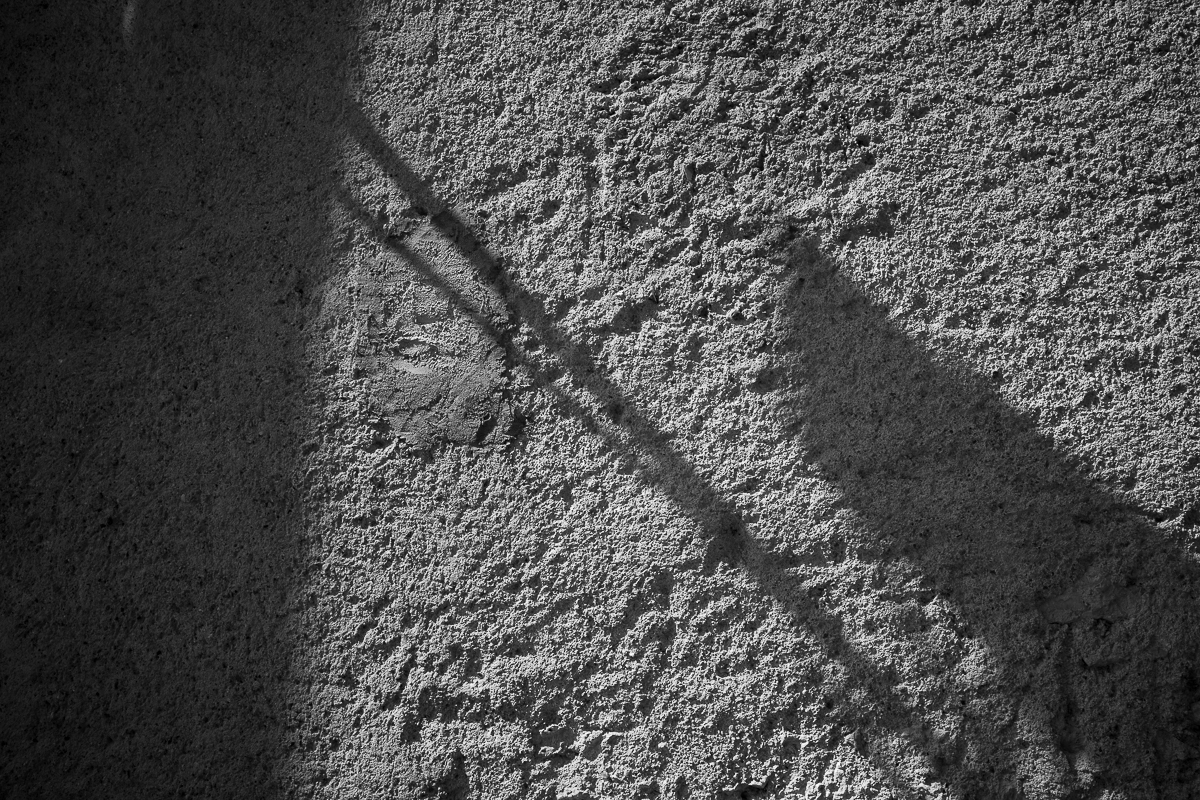
Here are a few of my first images – pretty much ‘out-of-camera’ (not much post-processing)
Well I’m having fun anyway – which is the whole point really…
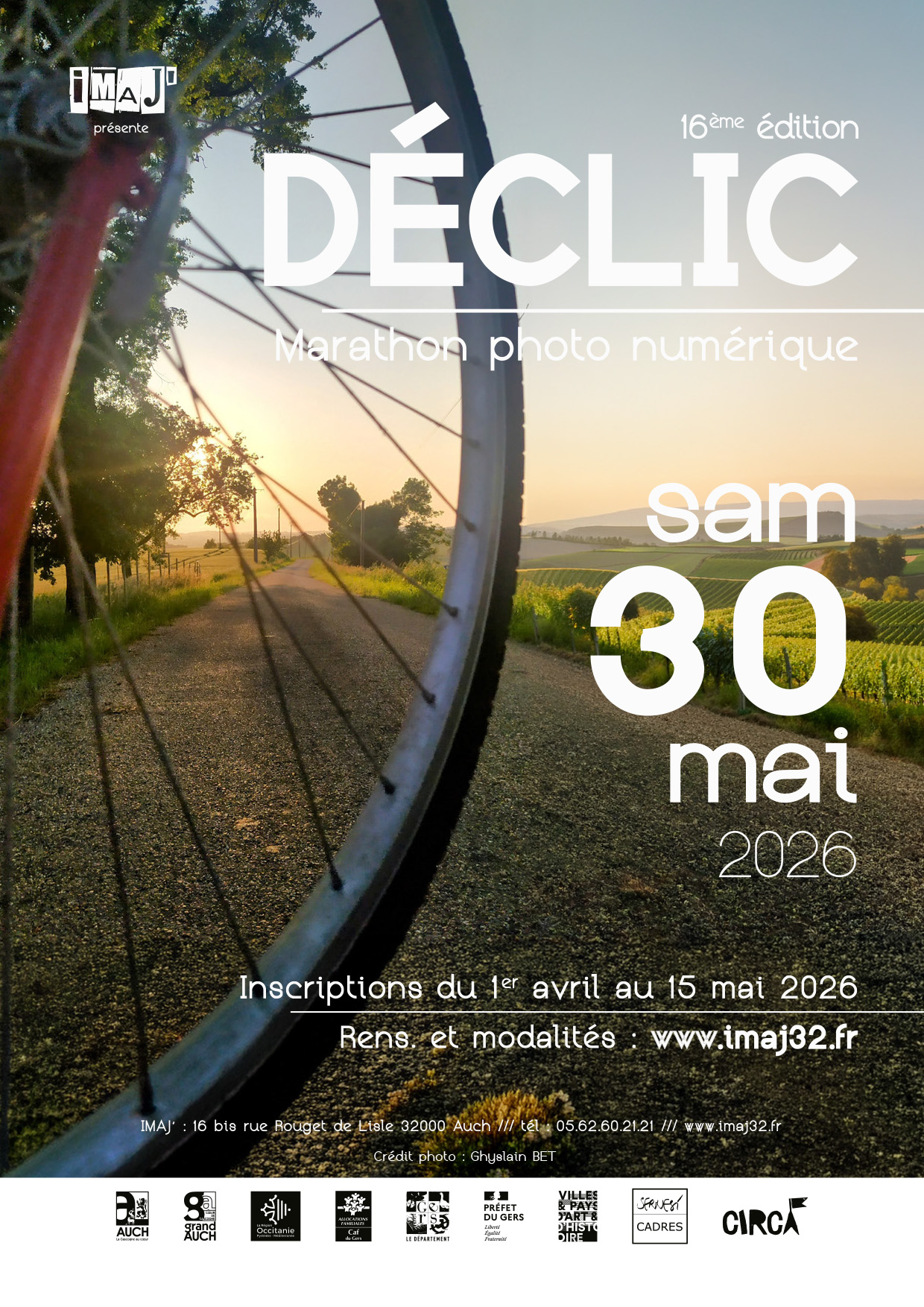
And for our sixteenth edition…on Saturday the 30th May
For Saturday we’ve been warned that there will be temperatures in the 30’s…(That’s CENTIGRADE !) I’ve warned people to bring water bottles and caps/hats – walking around our town in search of that crucial image is going to be warm work…
For info, the image chosen for this poster was taken for the 5th theme last year (as we had the Tour de France coming through Auch, we thought it pertinent! ) and didn’t actually win a prize – but it still made it to be published as a poster and handouts for the event. Well done to Ghyslain Bet. Sadly he hasn’t signed up for this years event…but 51 other people have – this is going to be fun
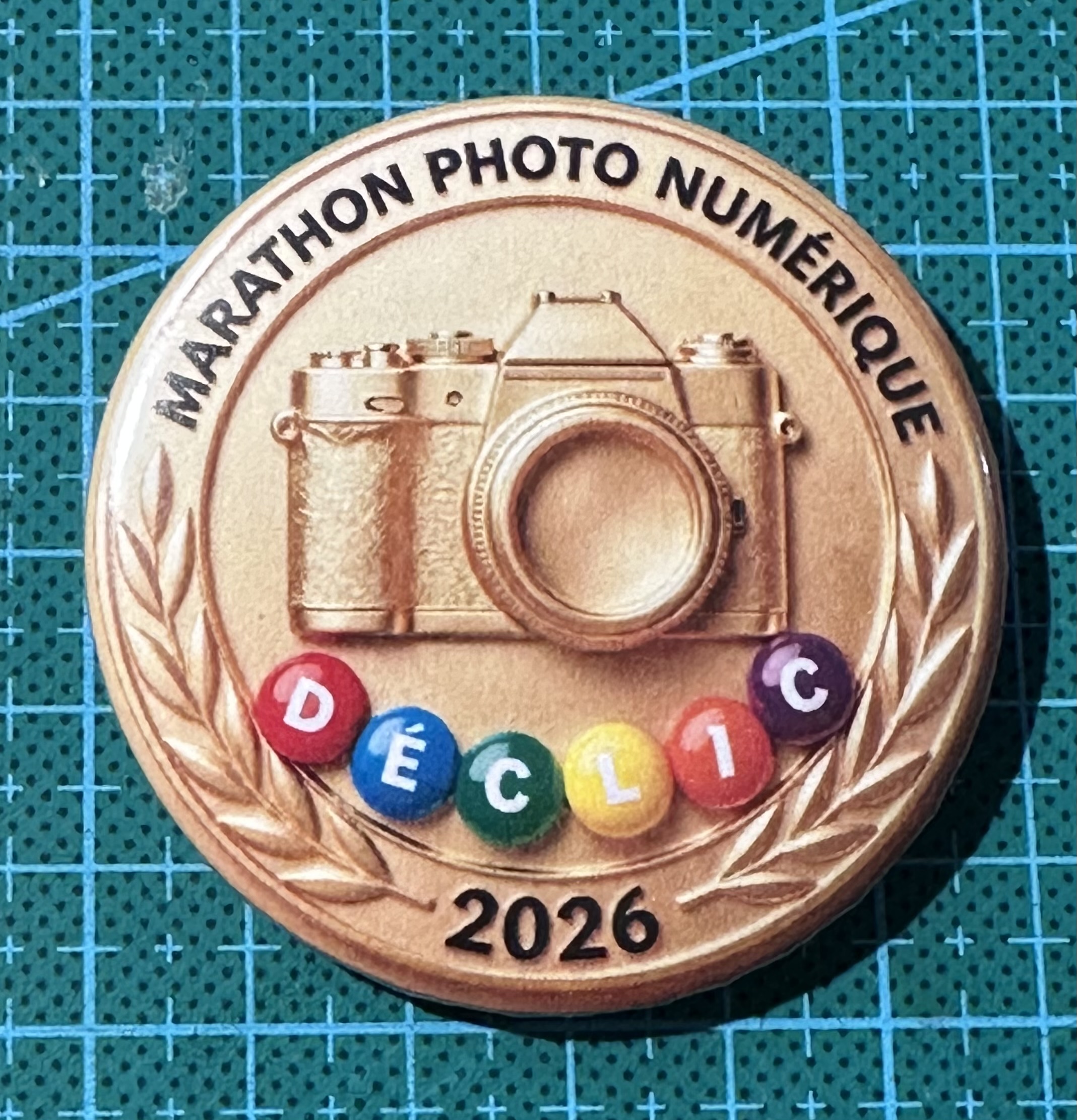
(My colleague Nathalie had fun making these today for pour participants !!)
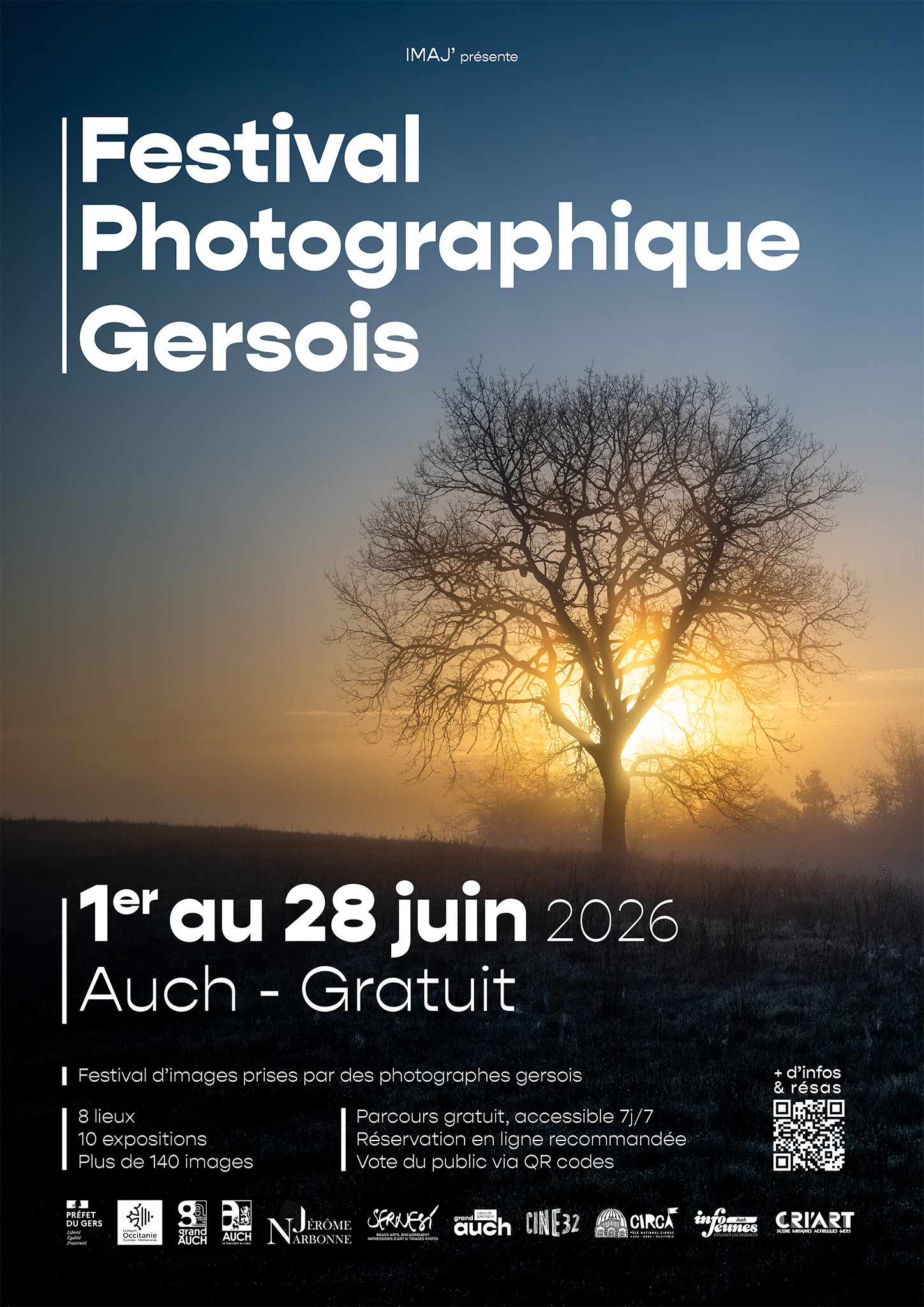
This festival is to high light the work of photographers, amateur and professional, who live in the Gers.
The Photographic Centre in Lectoure does a reasonable job inviting photographers and artists from outside the department, but I felt it was time that we showcased ‘home grown’ work.
The Festival lasts a month – 28 days, 7 days a week (although some of the locations aren’t open on Sundays) and there are over 160 images presented. Visitors can vote for their favorite images and there will be a prize for the photographer who gets the most votes.
It has taken it’s time, but finally NUMERIPHOT have been on the phone to confirm the arrival of this…
Yes – the famous Ricoh GR-IV Monochrome has arrived! Slated to be available in Europe in February, it’s taken this long to get stocks sufficient to supply the huge demand – and I can understand why, when you read the specs.
I’m adding a ‘Squarehood’ lens hood/protective glass as these pop-out lens cameras have one major drawback – they let dust in through the joint between the lens and the body. It obviously makes the camera slightly ‘thicker’ but for ease of use / protection, I feel it’s worth it.
And the year starts with a whole load of new toys – here’s a little about three of them…
First up the Ricoh GR lV Monchrome
This is essentially a Ricoh GRlV which came out at the end of 2025 but with a crucial difference, no Bayer filter – instead of recomposing 4 adjacent pixels into a single coloured one, this uses all the pixels INDIVIDUALLY – to give a black and white image. This gives a much sharper, more contrasty image – with the downside that there is very little latitude regarding exposures – better get it right in the camera as adjustments in post processing will not be like treating a coloured image.
Leica have done this many times, offering a colour and a B&W version of many of their camera bodies, even the Q2 and Q3 full frame compacts.
The Ricoh is slightly different in that it uses a 25MP APS-C sensor.
We’ve been waiting a few months since this beasty was announced, and it should hit the shelves before the end of this month (February 2026) – needless to say, mine is on pre-order in Toulouse.
Over to NIKON who have just announced two new lenses for the ‘Z’ series cameras. In fact neither of these two are ‘new’ – NIKON have made new versions of existing lenses – benefiting from new optical configurations, lighter glass etc.
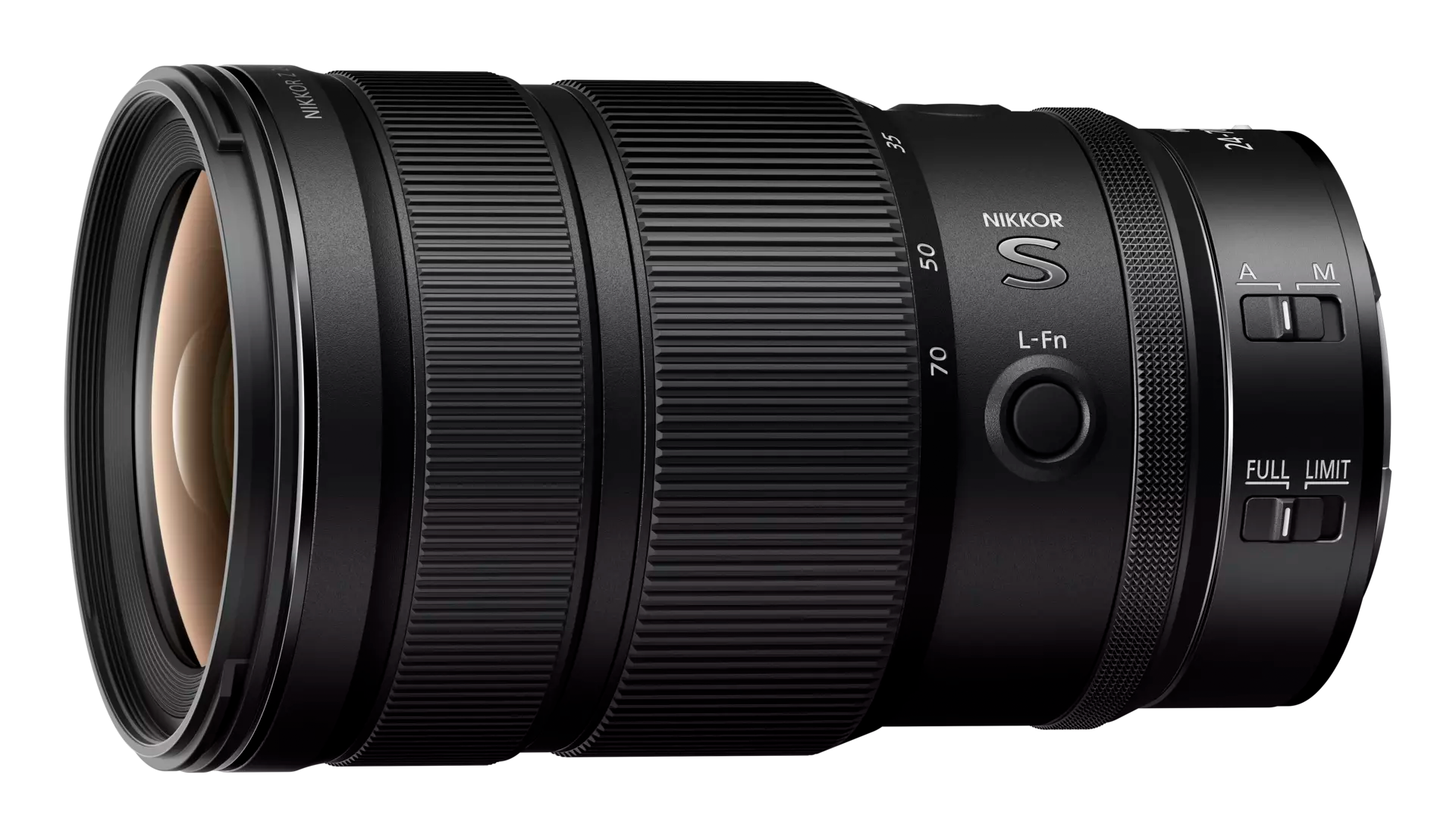
NIKON 24-70 f/2.8 S Mk ll
This is both slightly smaller and lighter than the original S model, more more importantly, has internal focusing. This is particularly important for people using gimbals as any change of physical length throws out the balance of the gimbal. The price is slightly higher too – but as it’s only just been introduced, this will no doubt come down as time goes by.
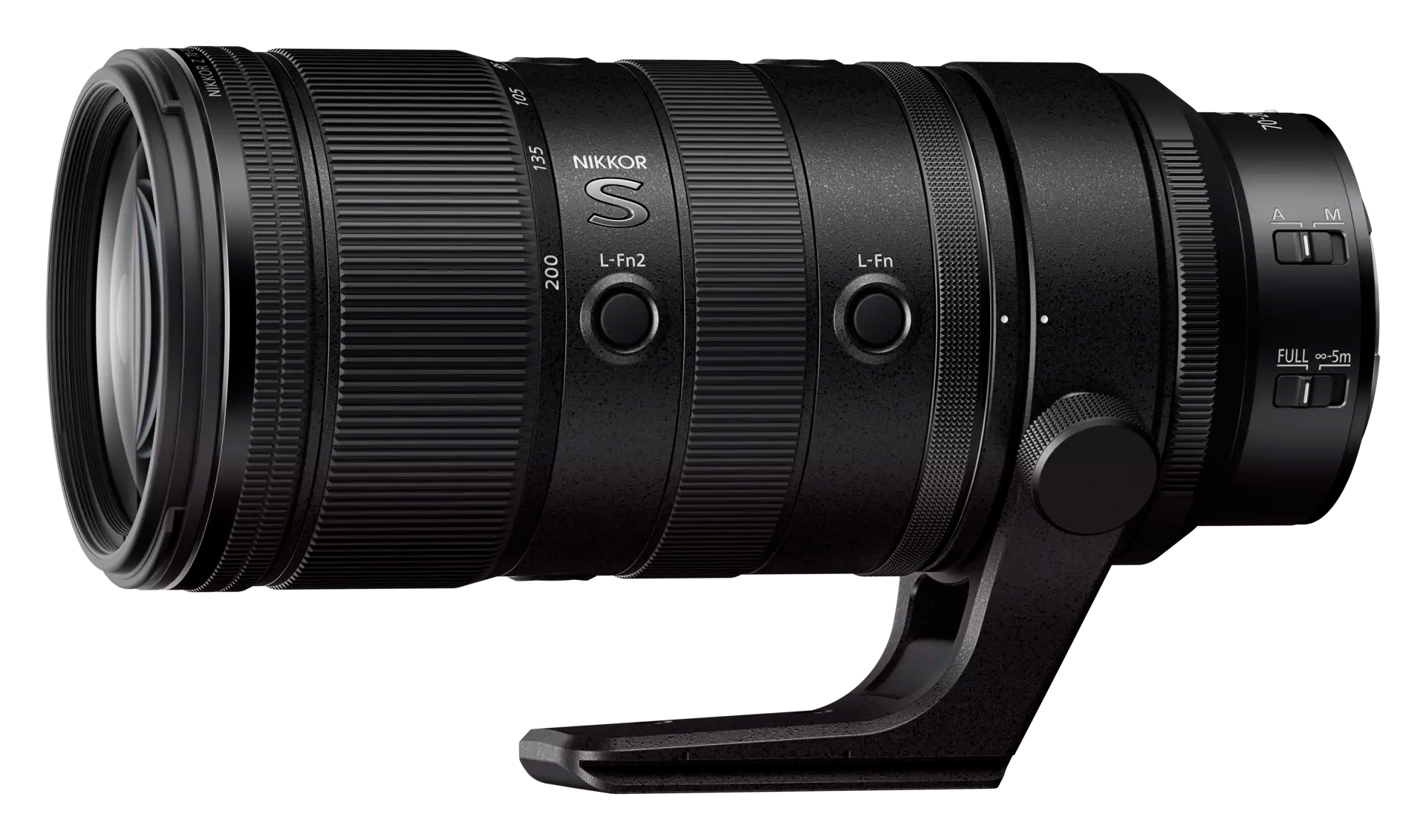
NIKON 70-200 f/2.8 S Mk ll
This too is both slightly smaller and lighter than the original S model (365g), and also has internal focusing. This said, I still think the most amazing thing is that NIKON have FINALLY listed to it’s buyers, and produced an ARCA compatible tripod foot ! Jeez guys, we’ve waited so long for this!
Both lenses have forgone the (frankly useless) screens ontop – to be replaced by another function button – on the 70-200 they have introcued the possibility to turn on or off the ‘click’ of the rear function ring – I guess if you use this for apertures selection, this could be an advantage, but as I rarely use the function buttons or rear collar, I can’t get too excited about this.
I’m not really in the market for either of these – oh sure, they’re faster, lighter etc. etc. but the two I already own do a terrific job, so I don’t see myself replacing mine yet.
I think it’s very good that manufacturers don’t rest on their laurels and R&D does continue to upgrade existing lenses. Some people seem to think these recent anouncements indicate a revised Z9 ll is in the wings – it’s always poissible of course, but it could also be just a good way of showing that development hasn’t stopped. Wait and see…
Summer is over, autumn has begun, the circus festival has come and gone and the clocks have changed – what else is there?
Firstly the festival was a blast – some very good spectacles this year (this helps erase the memories of people wearing nappies on their heads etc. from last year) and I’m happy with the results.
Entre Chiens et LouvesAspiratorMotel CactusLa CouléeN.ORMES
We’ve had a particularly mild Autumn so far – doesn’t really seem that Christmas is around the corner with temperatures in the low 20’s. After our last foray into Scotland, and looking at the quality of the images I was able to produce with the Z6ll, I decided to do something I’ve never done before – buy a ‘grey’ import camera.
Grey imports are items generally purchased in the Far East or at least countries that have little or no purchase tax, which are then sold in Europe at massive discounts. The items are fully functioning models, not copies or with different specifications – they just have to ‘official’ right to an after sales service (repairs under guarantee etc.) so you have to be careful choosing.
Financially the difference was pretty impressive – this camera body normally sells for 2799€ in France but NIKON have a reduction at the moment and it retails at 2299€. I paid 1500€ and as far as I can see, this is a fully functioning camera body with no defects – the seller (based in France) simply orders from vendors in China who buy locally – very often there are items missing – battery chargeurs, no French/European charging cable etc. but this wasn’t the case here. Interestingly, for customs, the camera was listed as an « image recorder » with a respectively low value…
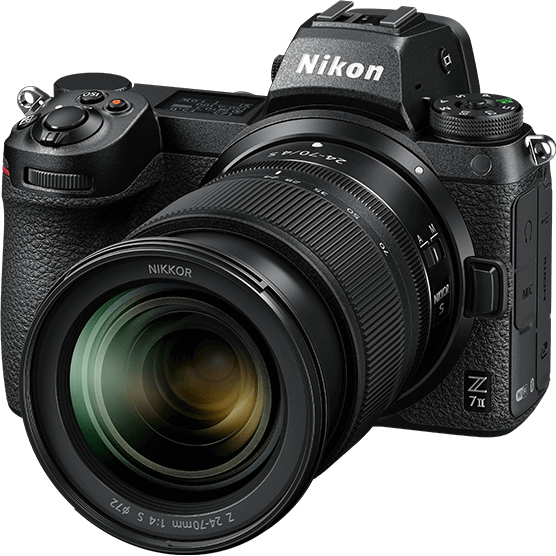
My choice was a brand new Z7ll
No different externally from the Z6ll – but the sensor is twice the pixel density – 45Mp instead of 24Mp. As an example, the following image was created from a 48Mp RAW file on the Z7ll – on the Z6ll the file would have been roughly 29Mp
Just for fun, I checked the shutter count with this first image…(This is the sequential file number recorded into the EXIF information of each image file, which cannot be modified, so effectively shows the actual shutter count of the camera)
Reassuring ! At least I know the camera is brand new. To test this new beauty, I’m going to use the 14-24 f/2.8 wide-angle zoom – this lens is a particularly good choice as it has an extremely high definition and will show up any defects. (Another good one is the 24-70 f/4 – a very good quality lens for an f/4, and much more compact)
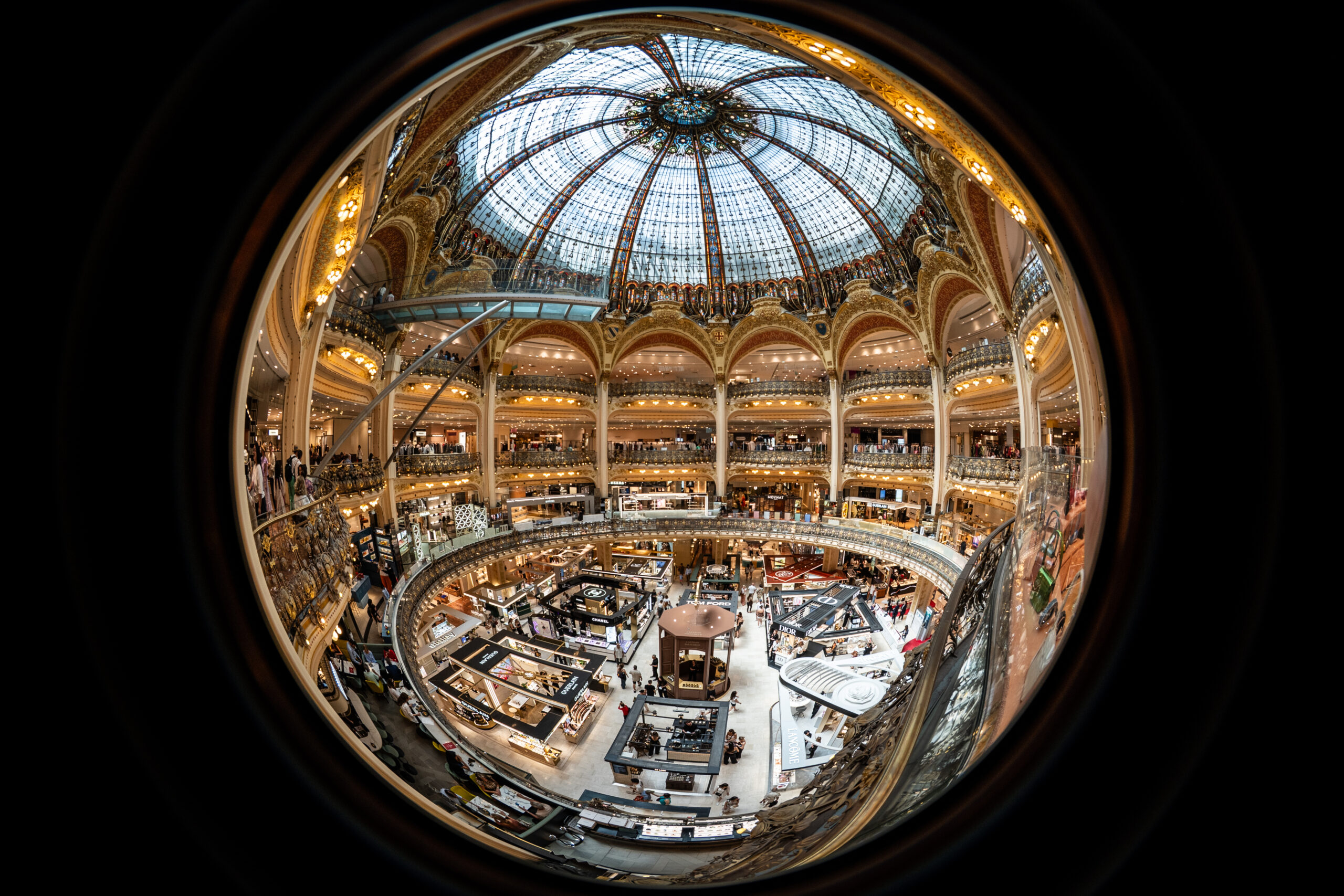
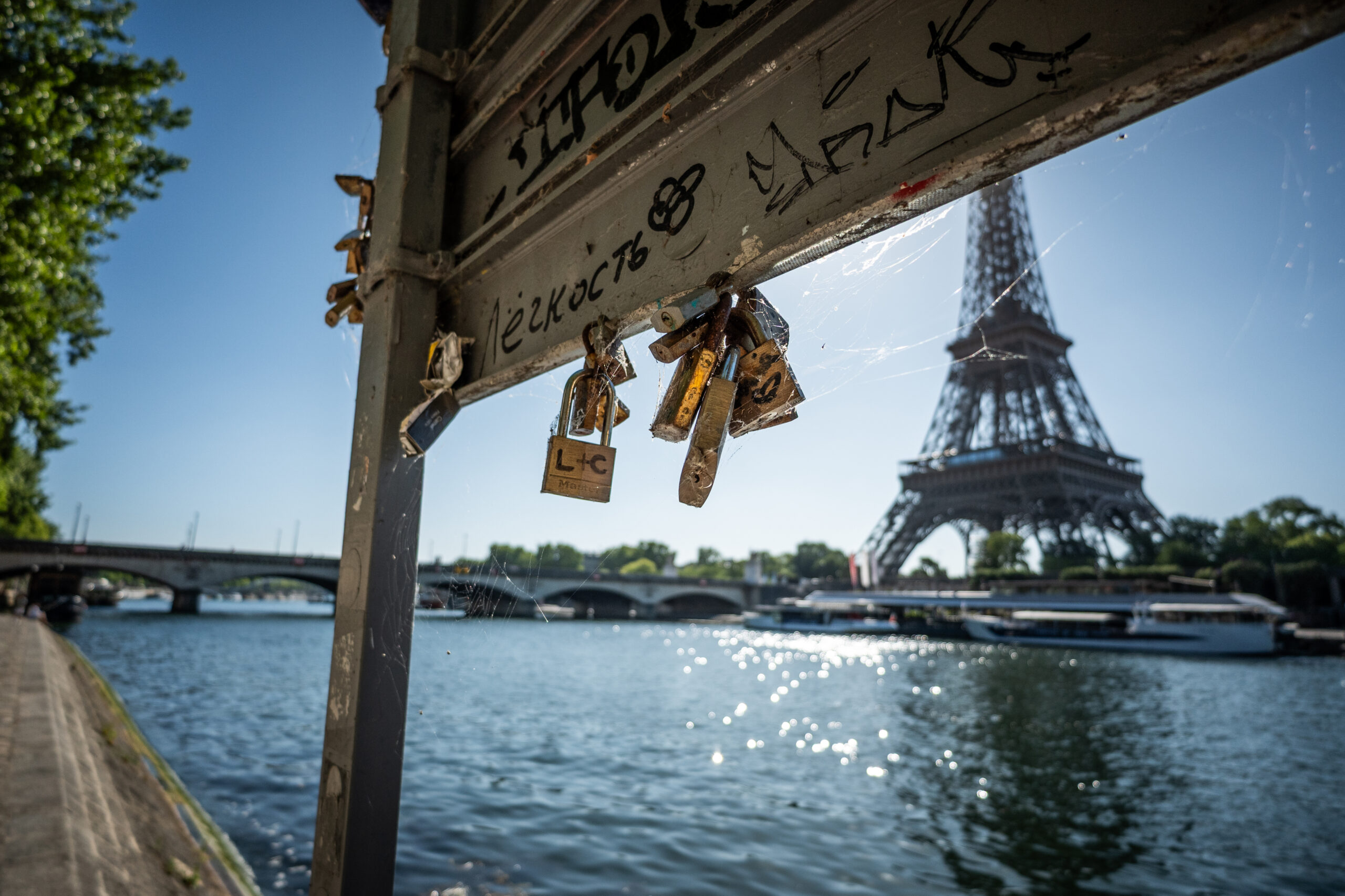
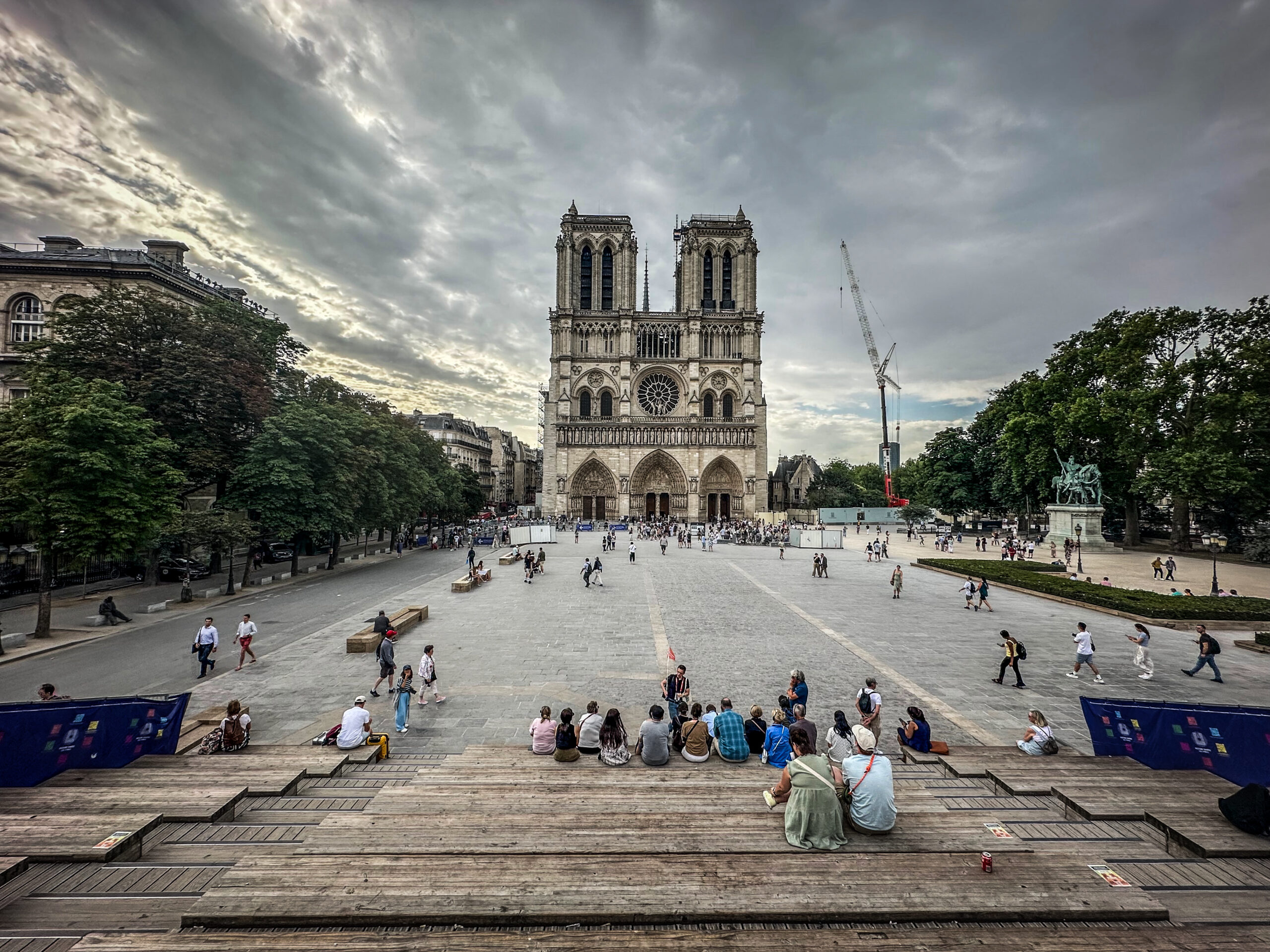
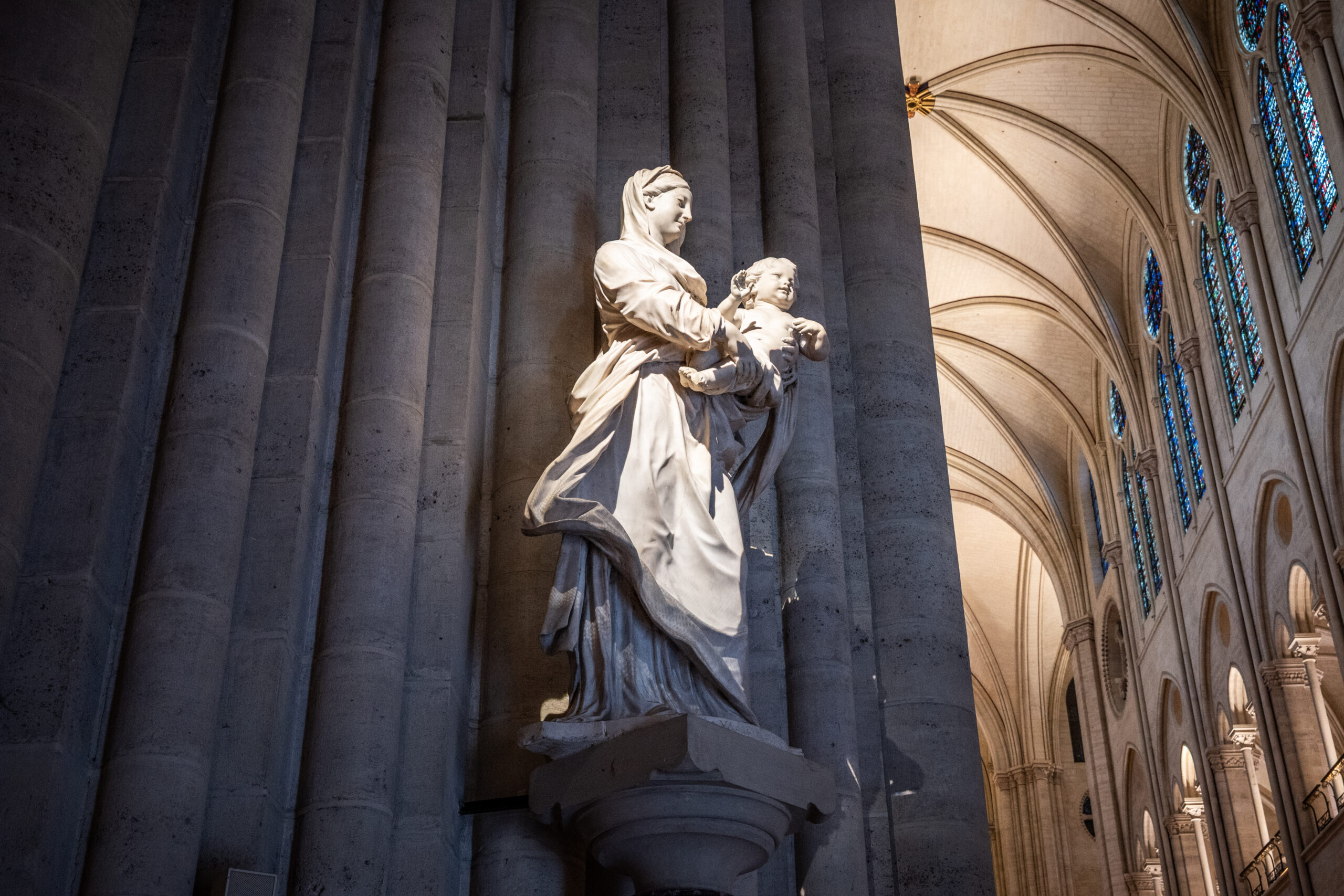
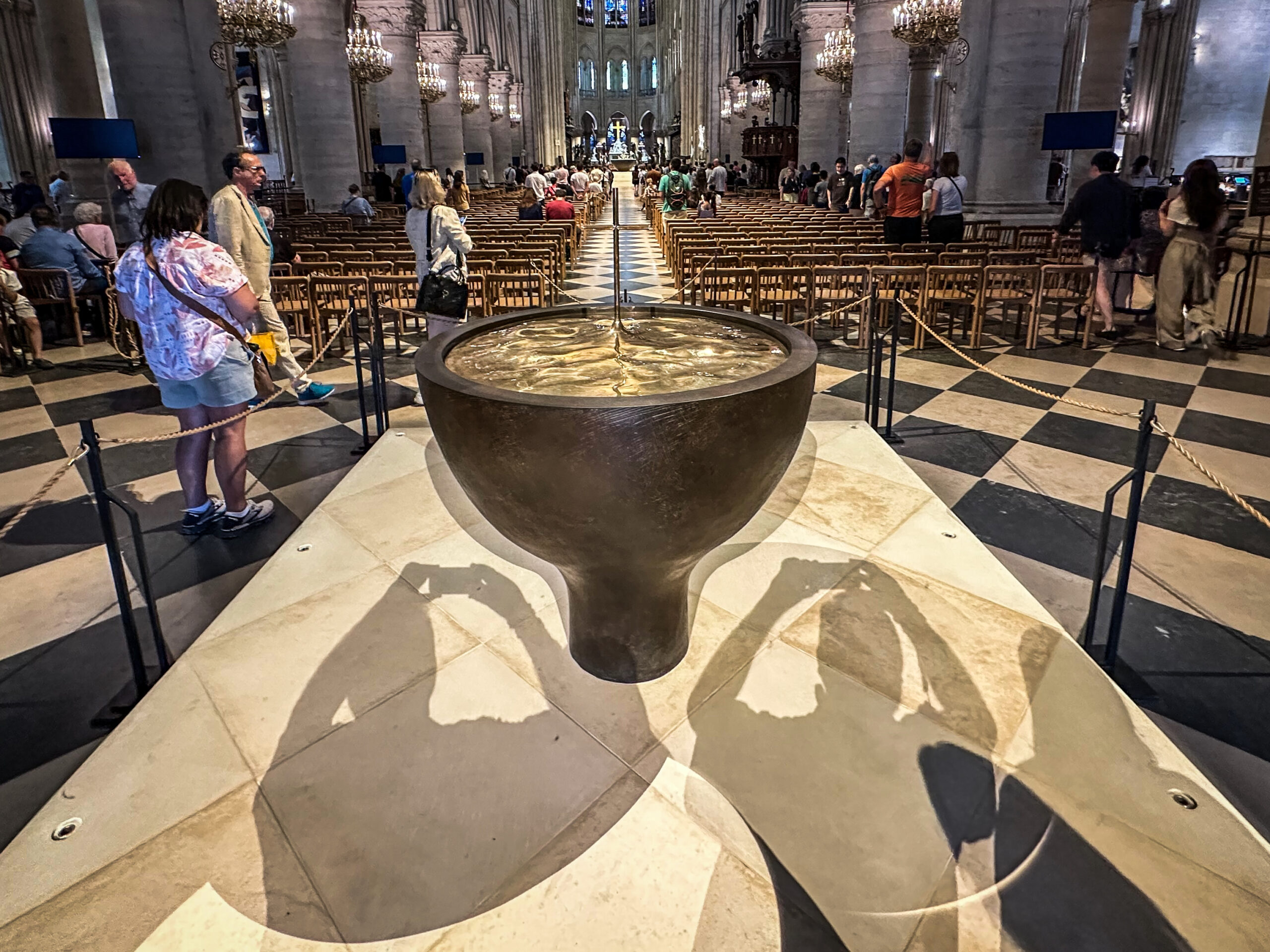
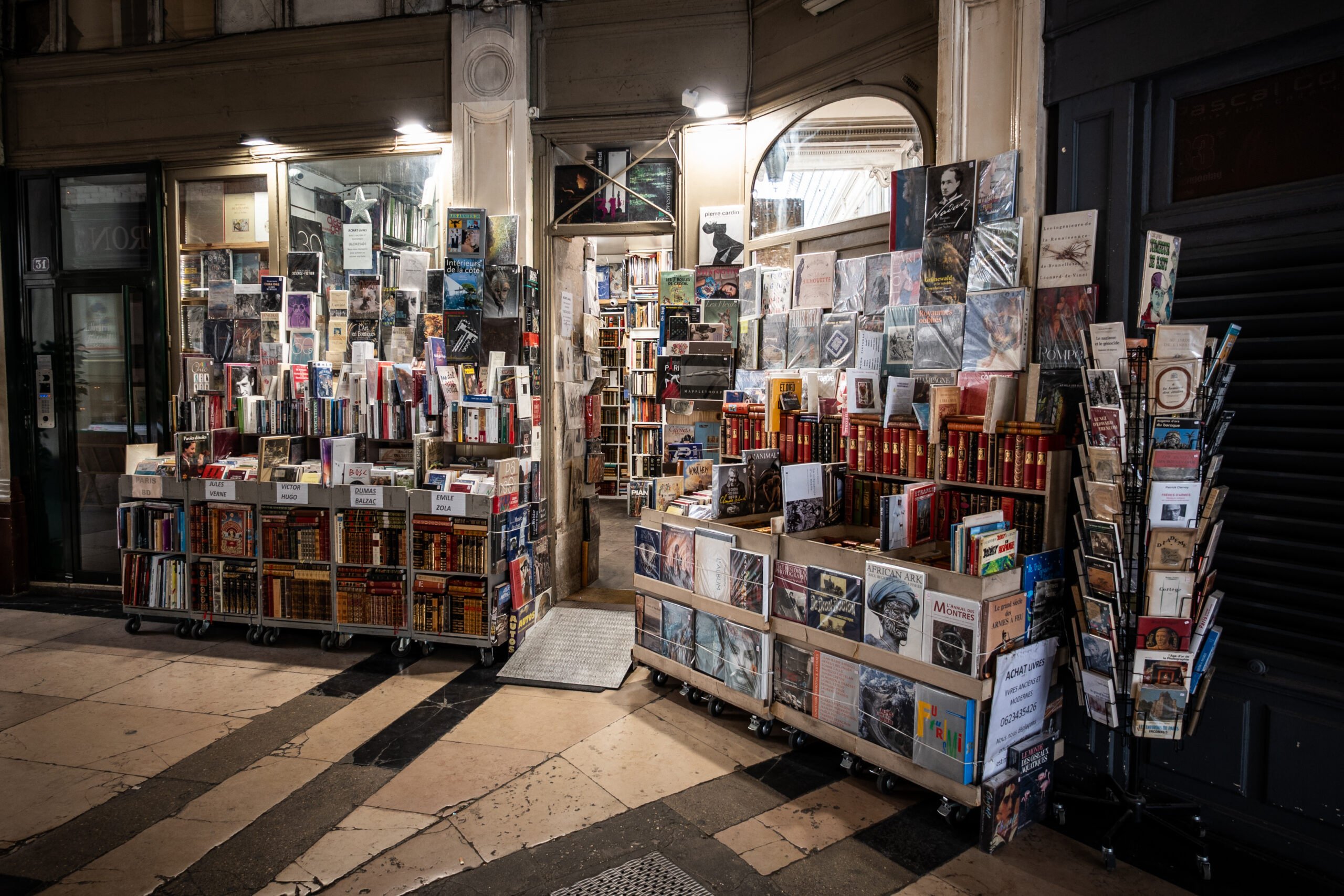
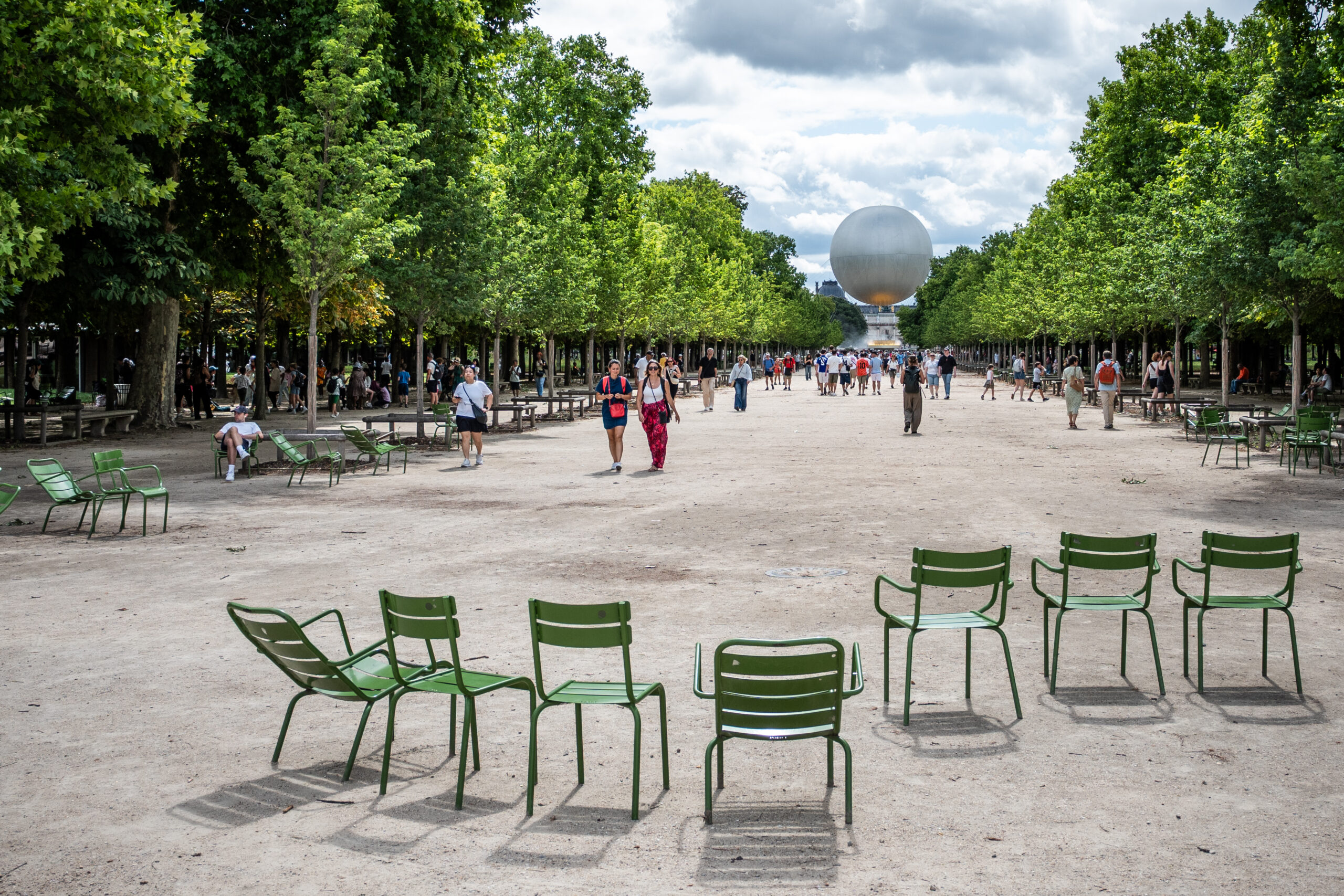
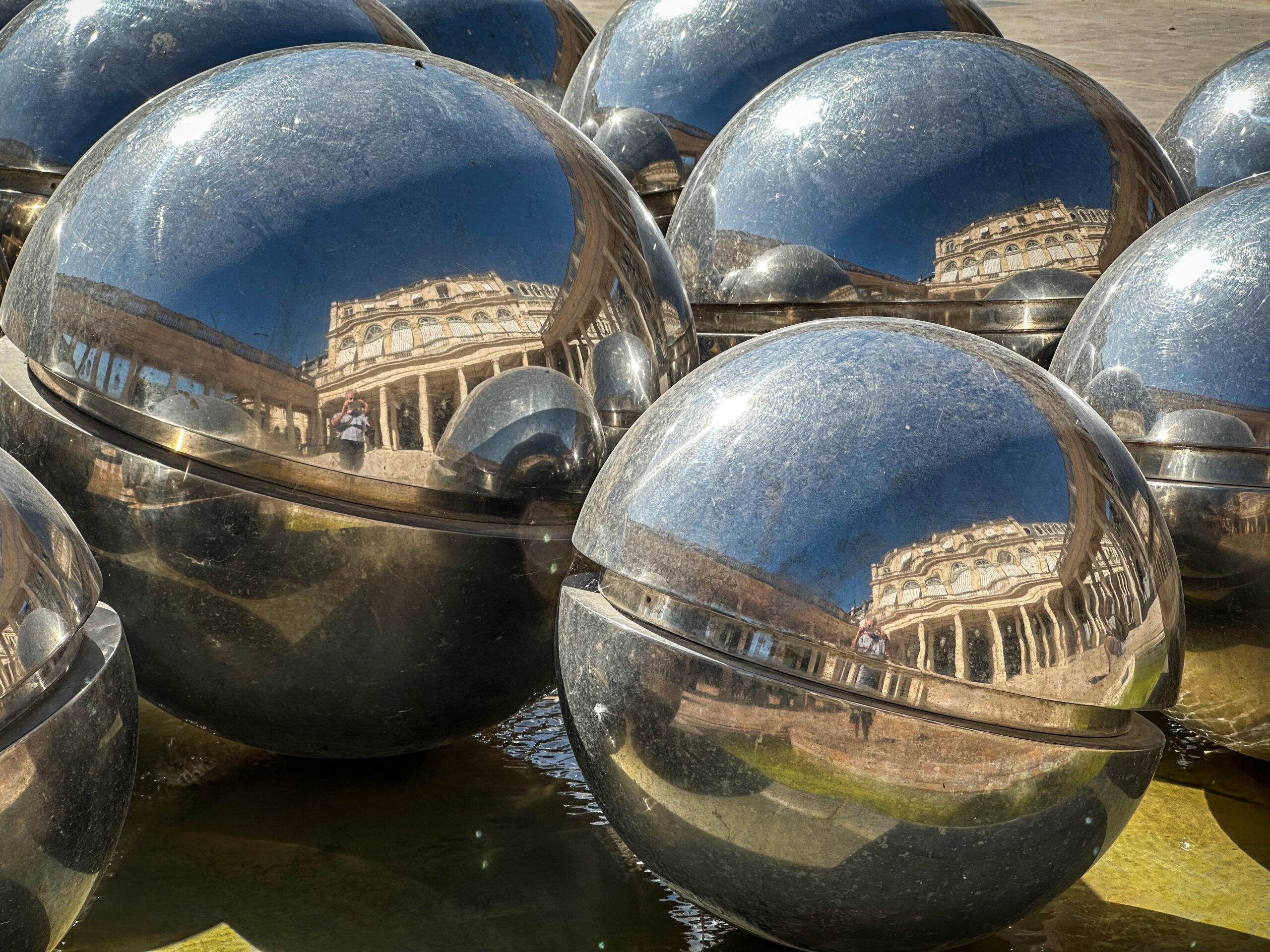
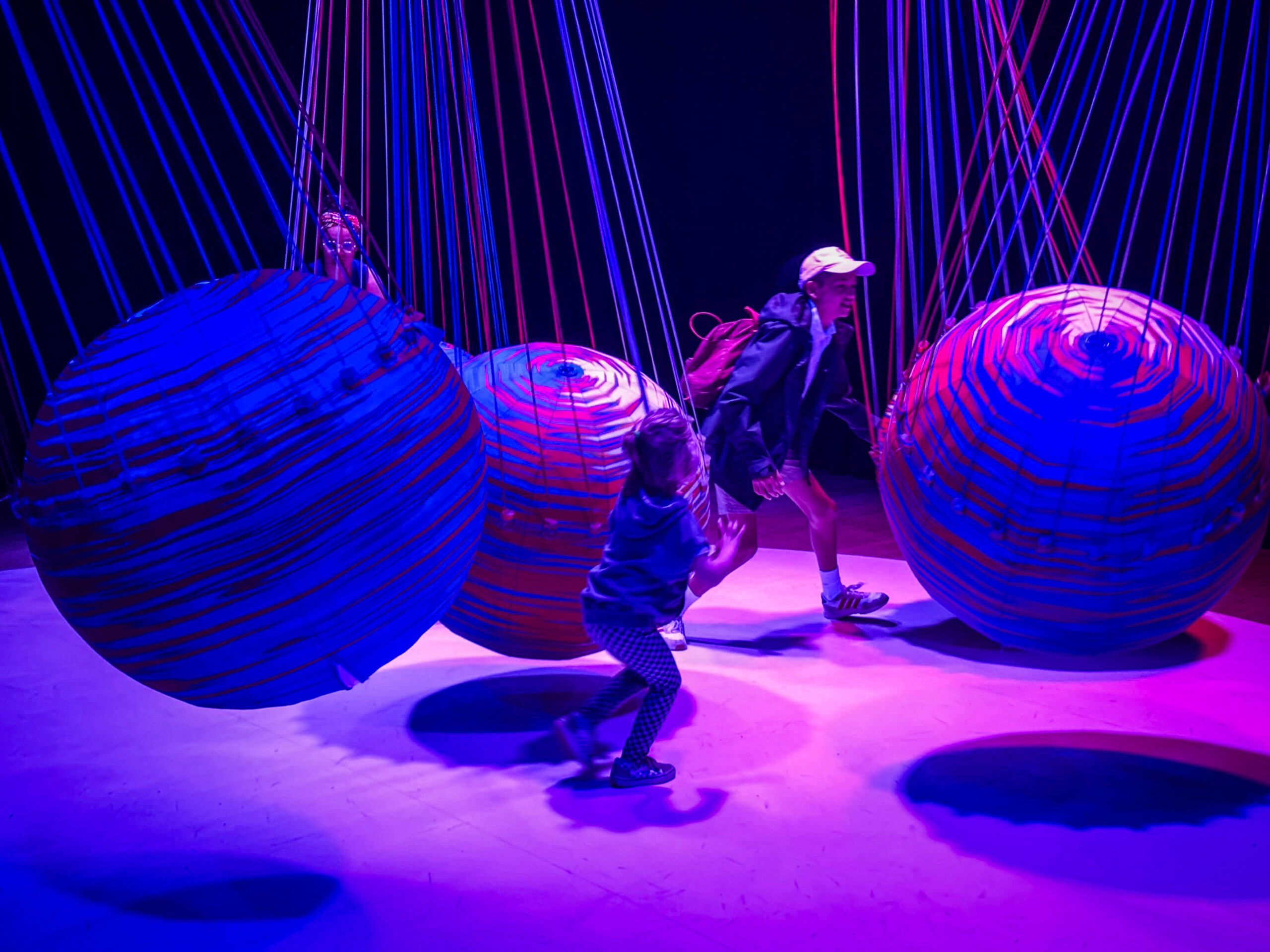
Just arrived home after a week exploring Paris. Took an APS-C camera (small and discrete, and just a couple of lenses – one being a 6,5mm fish-eye (Click on the images to enlarge)
AstrHori 6,5mm f/2.0 Fish-Eye
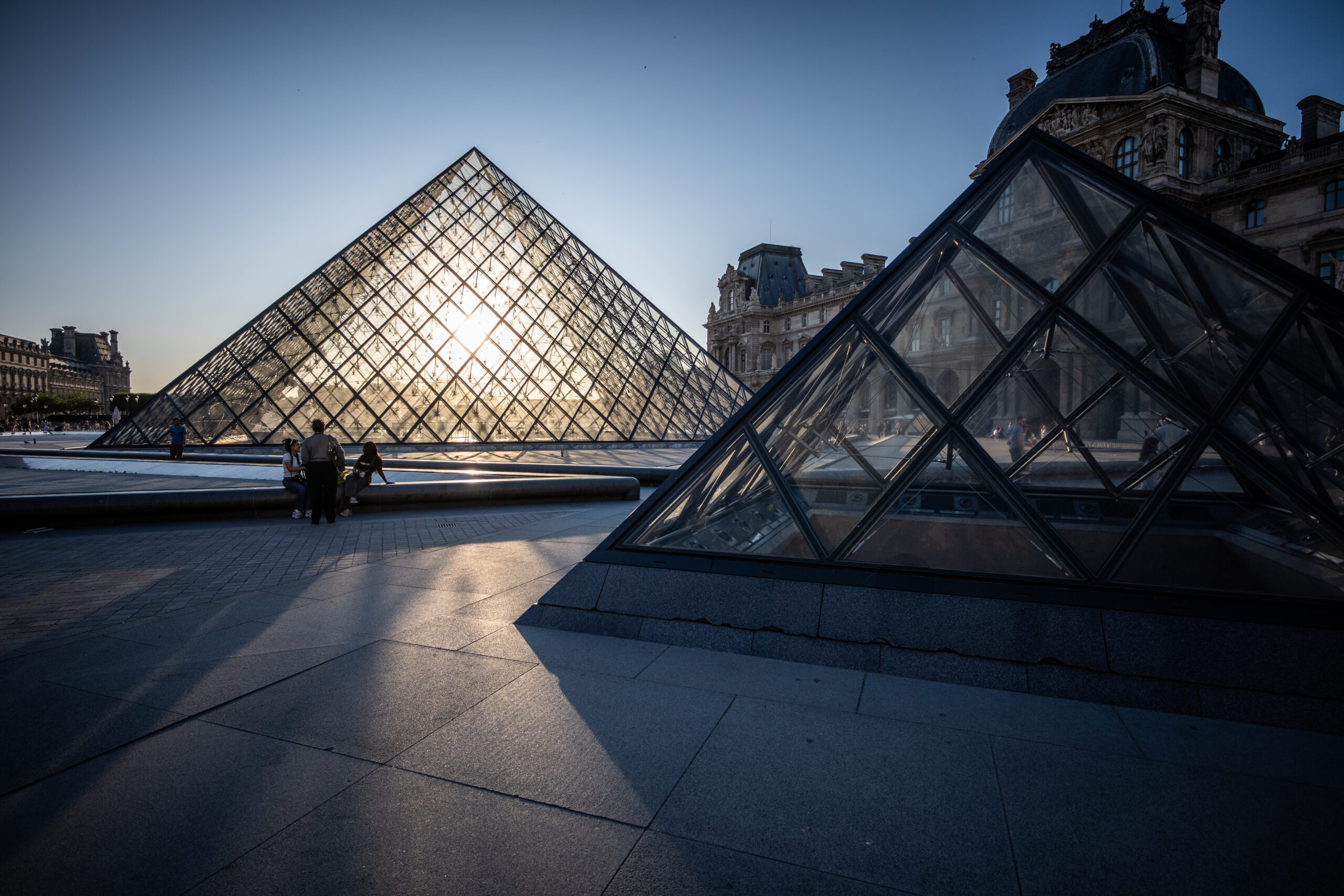
I also had a ‘standard’ 12-28 (18-35 equivalent) NIKON zoom – that worked well too
NIKKOR 12-28 f/3,5 – 5,6 zoom
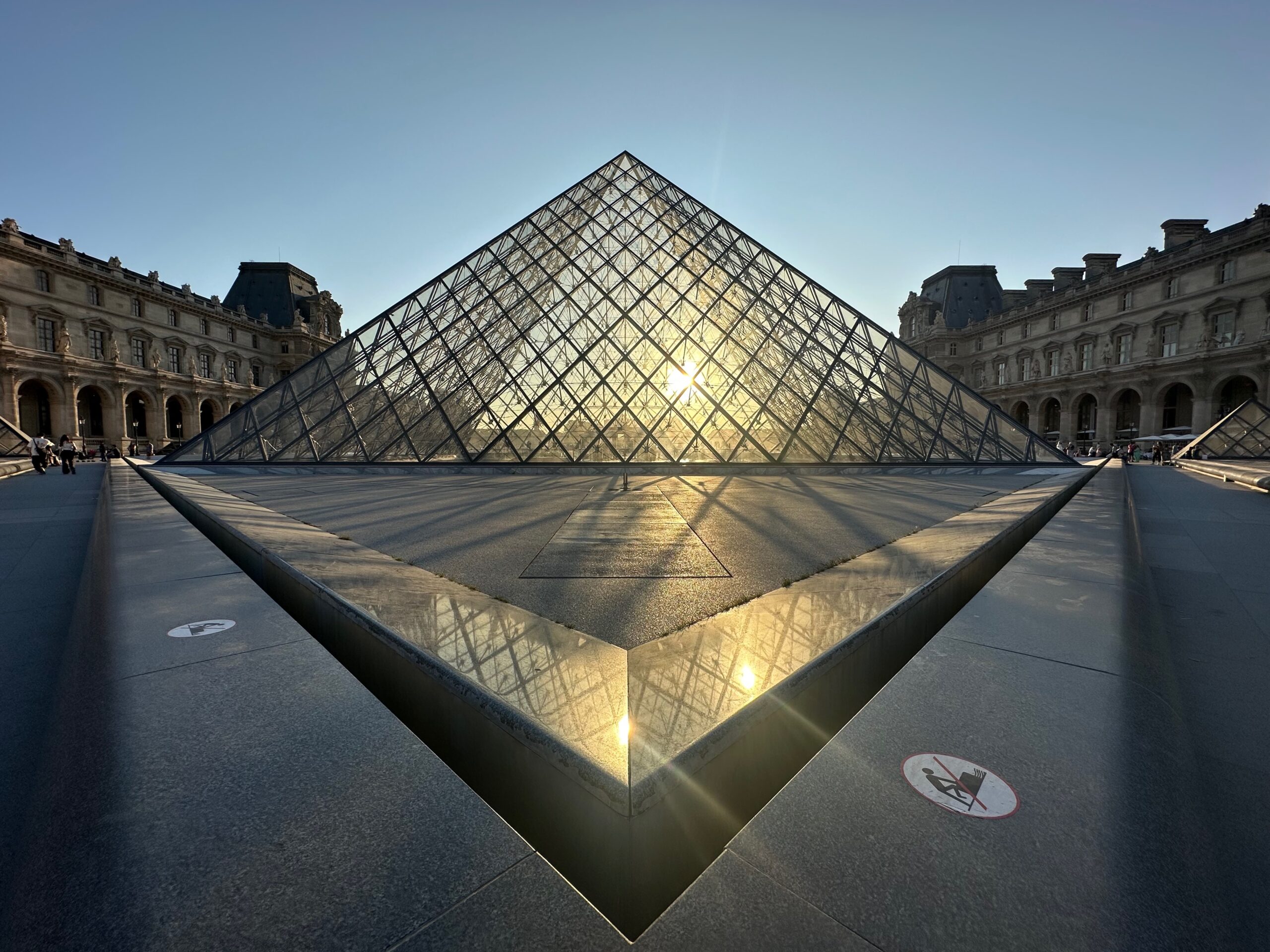
This said, I had the iPhone in my pocket all the time, and frankly the 13mm wide-angle works really very well – quite impressed.
iPhone 14 Pro – wide-angle (13mm)
The great thing about the telephone is that it just slips in ones pocket – and the resulting images are really very good (for travel/web images)
We visited everything we’d planed for, and a few other sights – and walked on average 15 km per day !
Here are a few more shots from the trip:-
Had a great time – time went by incredibly fast though – we’ll have to go again…
Strange situation regarding firmware updates at NIKON.
The new 3.0 Update for the Z8 has just been announced, with a few new features, and corrections etc. What’s interesting is that none of what has been announced is (yet) availlable on the flagship Z9 model?
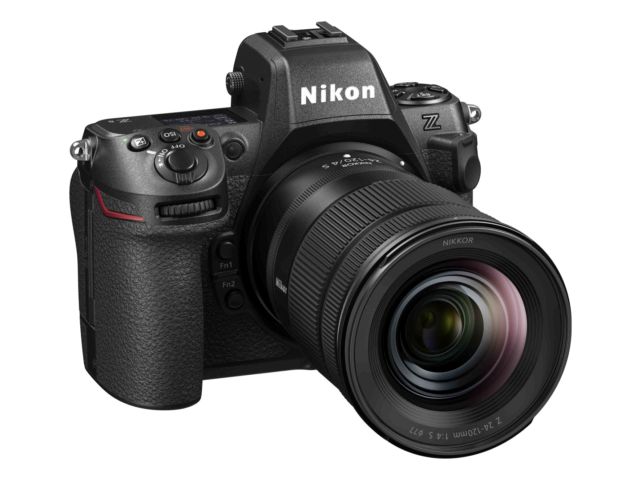
NIKON Z8
It’s almost as if the Z9 is being ‘held back’ (possibly due to a future Z9ll announcement) in favour of the Z8.
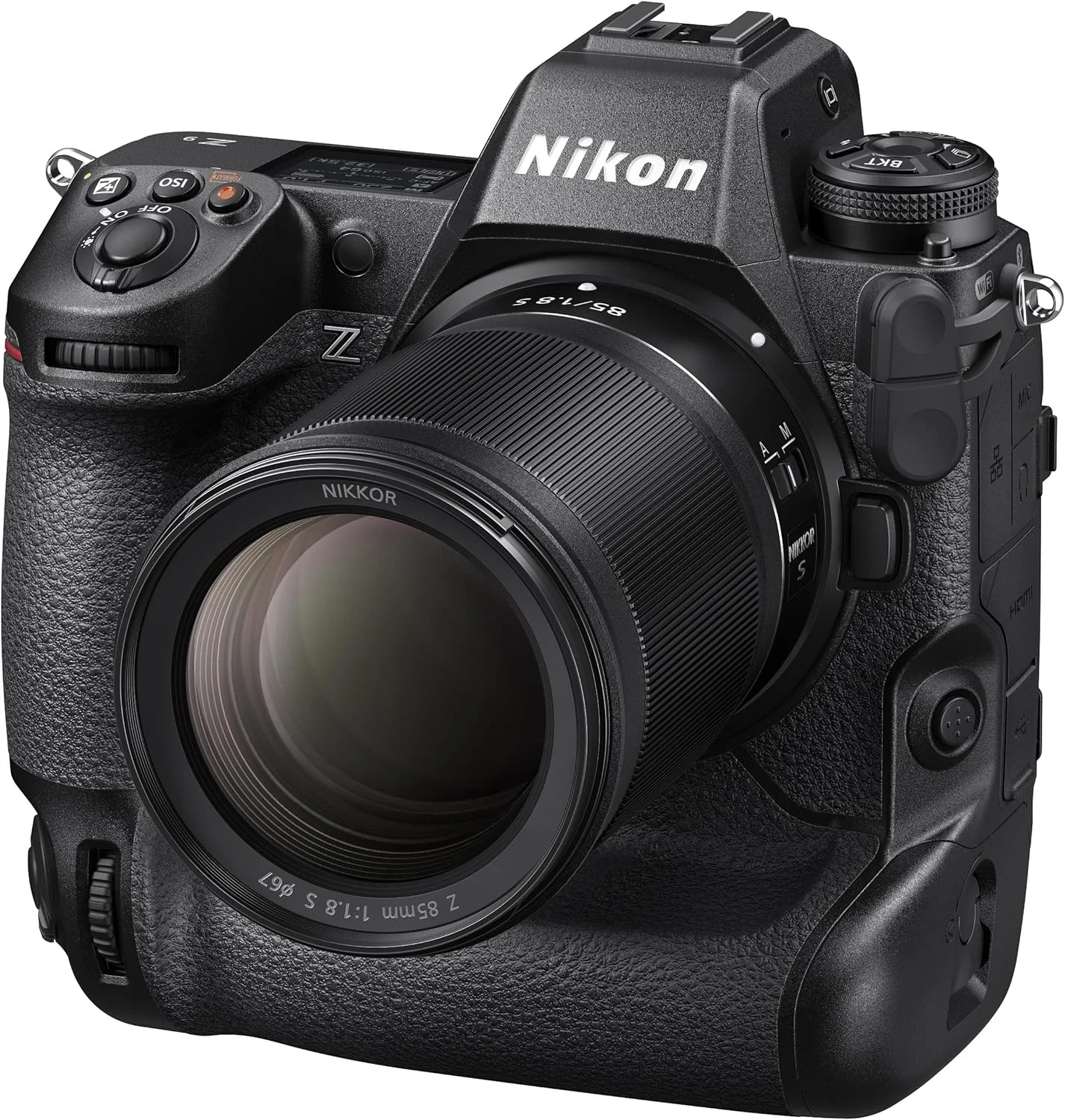
NIKON Z9
I freely admit that I’m much more likely to chose to take a Z8 with me in preference to the Z9, not because of the firmware updates, more due to the sheer weight of the Z9! It’s a truly versatile camera, and certainly perfectly adapted to my style of shooting, but then so is the Z8 and when it comes down to convenience, the difference in weight is what will make me chose one over the other.
This weekend I’ll be covering a music festival and there’s no way I’ll be lugging the Z9 around all night! It’s true that the huge battery is an advantage on the Z9 as it can last me all night – but a couple of smaller EN-EL15’s for the Z8 in my pocket can do this too
The sensors are identical, and all the options I use on one can be found on the other – it does make me wonder why I keep both. Frankly a single Z8 would be perfectly adequate…
Back to my original question – are you listening NIKON? There are a whole load of professional Z9 users out there who have invested time and money in a system that is supposed to evolve to include updates and modernisation…these people don’t expect to have to buy another camera body every 3 years just to keep up with the changes…